Best iPad Kiosk App for Home Assistant Dashboards in 2026
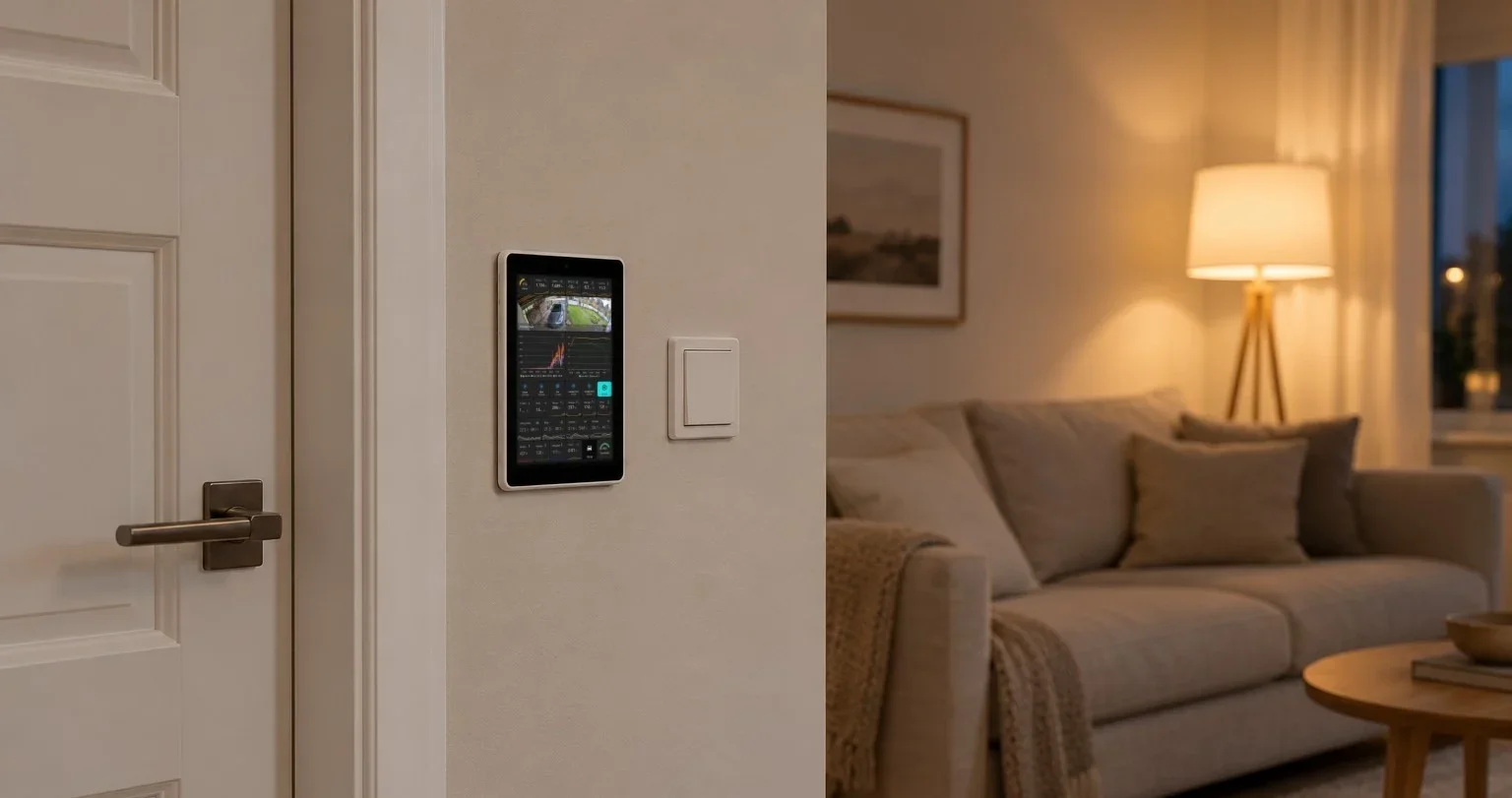
Updated 24 October 2026 for HAkiosk 1.6 on iPhone and iPad, which added MQTT control, Home Assistant discovery, a photo screensaver and device standby, and raised the minimum to iOS 15.
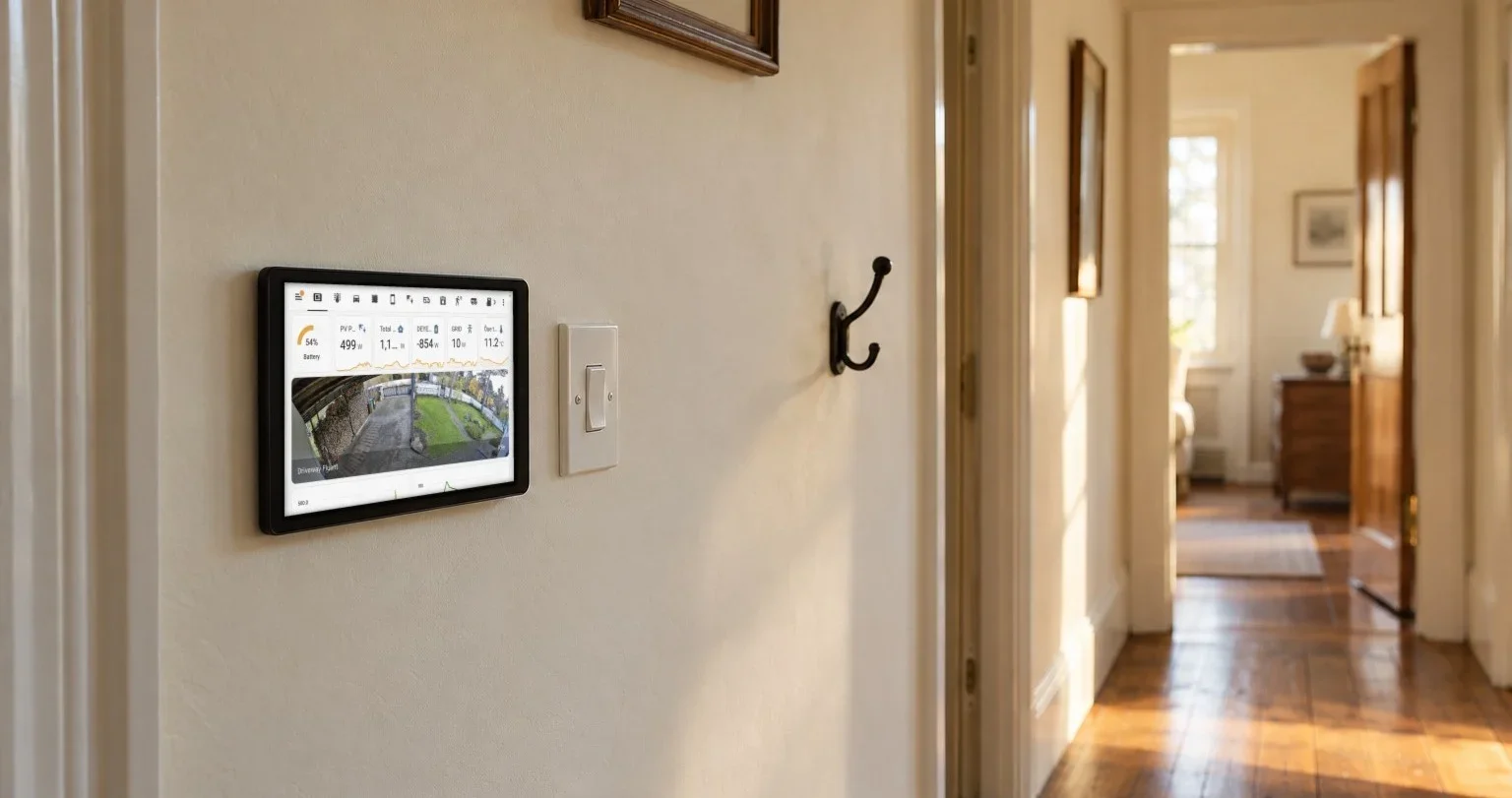
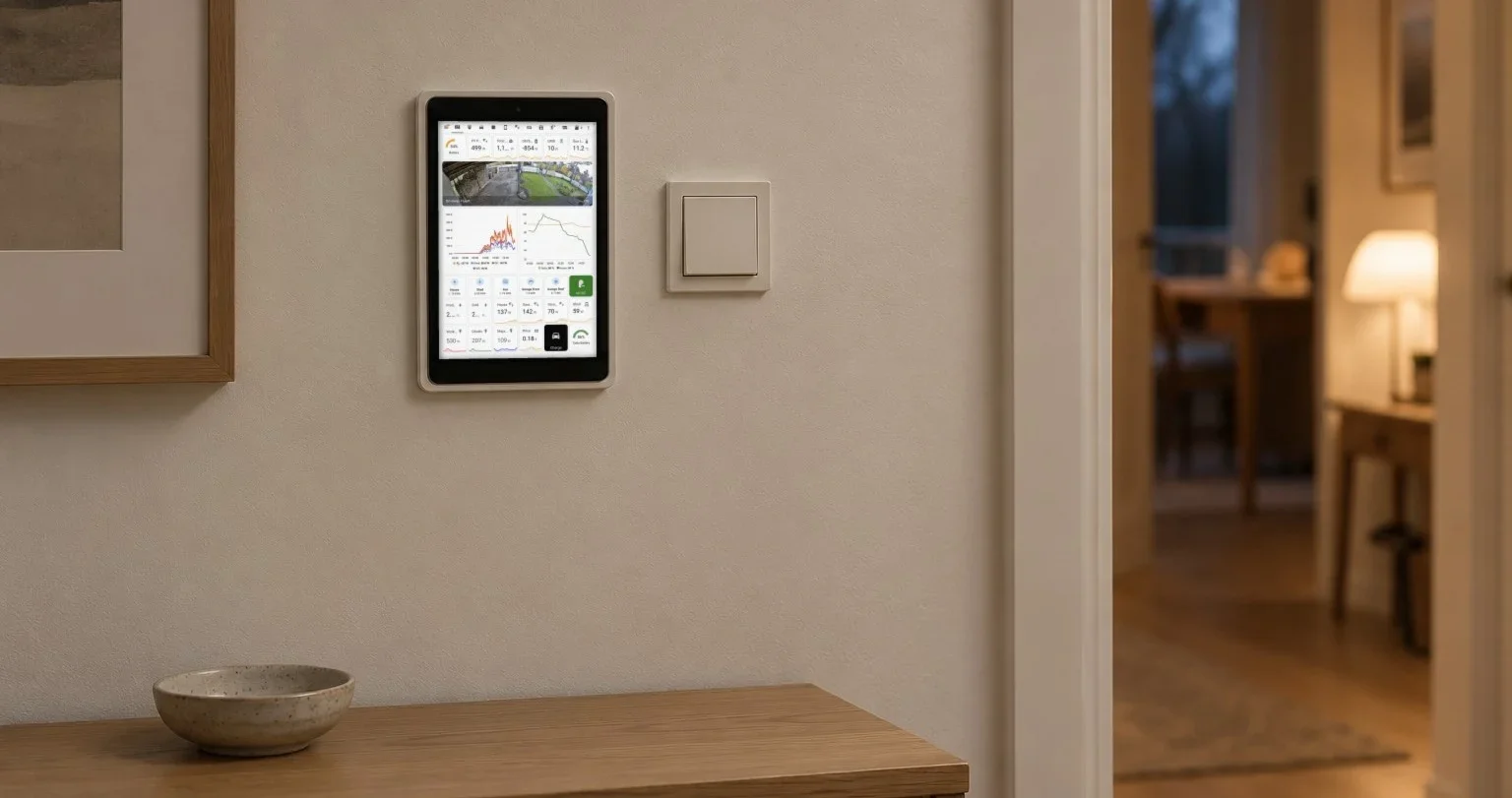
I started with a spare iPad Air gathering dust on my desk and a Home Assistant setup that was genuinely impressive — but only if you were sitting at a computer to see it. Wall-mounting that iPad as a permanent dashboard display seemed obvious. Finding software that could actually handle the job without constant babysitting took me considerably longer than I'd like to admit.
So I built the app I wanted. This guide is the honest version: what an iPad kiosk setup does well in 2026, exactly what HAkiosk does and doesn't do, and how to get it running in about five minutes.
Why iPads Make Good Home Assistant Dashboard Displays
The case for iPad over Android tablet starts with the display itself. Apple's Retina screens — even on a 2020 iPad 8th gen — render Lovelace dashboards with a sharpness that makes sensor values and card labels legible from across a room. That matters when your dashboard is mounted at eye level in a hallway or kitchen and you're reading it at a glance, not up close.
The longer argument is the software support cycle. Apple supports iPad hardware for the better part of a decade. An iPad you bought in 2020 is still getting iPadOS updates today, which means your wall-mounted kiosk investment doesn't expire in two years the way a budget Android tablet often does.
Lock-down capability is the third factor. iPadOS Guided Access lets you hardware-lock a device to a single app with a passcode, so a curious guest or a toddler can't accidentally swipe out of your dashboard. Pair that with a purpose-built home assistant kiosk app for iPad and you have a display that behaves like dedicated hardware — without paying dedicated hardware prices.
Versus Android tablets: Android has Fully Kiosk Browser, a mature tool. MQTT-driven control of the screen used to be the Android argument; since 1.6 HAkiosk on iPad has it too, with Home Assistant discovery, under one iOS limit — it listens while the app is on screen, not in the background. But Android tablet hardware quality is inconsistent below the $400 mark, and long-term OS support is unpredictable outside of Samsung's Galaxy Tab line. If you already own an iPad, iPad wins for permanent wall-mount duty.
What to Look for in a Home Assistant Kiosk App for iPad
Not all kiosk apps are built the same. Here's what actually matters for a 24/7 home assistant dashboard iPad kiosk mode setup — and I've marked where HAkiosk stands on each, including the two places it currently falls short.
True full-screen rendering. The app needs to suppress the Safari address bar, the iOS status bar, and the home indicator. If any of those bleed through, your dashboard looks like a browser tab, not a dedicated display. This sounds cosmetic — it's not. Those chrome elements invite interaction and break the locked-down experience. HAkiosk has no browser chrome at all and hides the status bar; there's no toggle to find, it's simply how the app renders.
Lockdown that a visitor can't undo. A dashboard in a hallway will get touched. You want the settings screen behind a PIN and the device unable to leave the app. HAkiosk gates its own admin gestures behind a PIN and switches on iOS Guided Access for you when you enable Lock — more on that in Step 4.
Remote management, if you run more than one screen. Walking to a wall-mounted iPad to change a URL gets old at two devices and is untenable at ten. HAkiosk pairs with hakiosk.com/control, where you can push a URL, zoom level, dark mode, or screensaver to one device or a whole group, trigger a refresh or wake, and pull a live screenshot to see what a screen is actually showing.
An idle screen you can live with. A bright dashboard at 3 a.m. in a bedroom is a problem. HAkiosk's screensaver replaces the dashboard with a large clock on black, photos from your own Immich album, or dims the screen right down, after an idle period you choose between 30 seconds and an hour. If the iPad has a front camera, it can wake the screen when it sees a face.
Local network URL support. Routing your dashboard through Nabu Casa's remote access adds latency and a cloud dependency. A good home assistant fullscreen iPad app needs to handle local URLs like http://homeassistant.local:8123 without complaint. HAkiosk takes any http or https URL as-is.
Two things to know before you commit, because I'd rather you read them here than discover them on the wall:
There is no timed auto-reload. HAkiosk reloads when you swipe to refresh, when you change the URL, or when you send a refresh from hakiosk.com/control — not on a repeating interval. If a Lovelace card only updates its value on a page load, it will sit stale until something triggers a reload. This is the single most-requested addition and it's on my list; it is not in the app today. If your dashboard depends on it, wait for it rather than buy for it. And if a timed reload is all you need, the free Home Assistant Companion app has one in its kiosk mode, so use that.
**There is no built-in on/off