HA Kiosk: Your Go-To iPad App for Simple Digital Signage
I remember the first time I needed to set up digital signage for a small event. It felt like a monumental task. I was juggling booth setup, product demos, and networking, and the last thing I wanted to worry about was a complicated display system. I needed something that just worked, looked professional, and didn't require an IT degree. That’s when I discovered the power of a simple, dedicated app to turn an everyday device into a signage solution.
What is Digital Signage and Why Use an iPad?
Digital signage is essentially using screens to display dynamic content – think menus in restaurants, information boards at airports, or promotional videos in retail stores. It’s a powerful way to engage audiences, convey information quickly, and enhance the overall experience. The benefits are clear: increased customer engagement, improved brand awareness, faster communication, and the ability to update content instantly, eliminating the cost and hassle of printing physical signs.
Now, why an iPad? In my experience, iPads offer a sweet spot for many digital signage needs. They’re relatively affordable, especially compared to dedicated commercial displays. Their portability means you can set them up anywhere, from a small coffee shop counter to a large conference booth. The touchscreen capability opens up interactive possibilities, and the intuitive iOS interface makes them easy to manage. Plus, they just look sleek and modern. For small to medium businesses, event organizers, or anyone looking for a straightforward digital signage solution, an iPad is a fantastic canvas. The challenge, however, has always been finding software that truly unlocks this potential without a steep learning curve or hefty price tag. This is where a dedicated iPad digital signage app becomes essential.
HA Kiosk: Your Simple iPad Digital Signage Solution
After trying a few different approaches, I stumbled upon HA Kiosk, and it quickly became my go-to solution for transforming an iPad into a reliable digital signage display. It’s built on a simple premise: make it incredibly easy to turn your device into a full-screen, dedicated display for whatever content you need. Unlike overly complex digital signage software that requires servers, subscriptions, and constant fiddling, HA Kiosk focuses on core functionality.
One of the standout features for signage is its ability to run content in a true full-screen mode. This means no browser bars, no address bar, just your content, front and center. This immediately elevates the professionalism of your display. The second thing that matters for an unattended screen is that it stays awake and stays put: HA Kiosk keeps the iPad's display from sleeping for as long as it is in the foreground, and its Lock setting engages iOS Guided Access so a passer-by can't swipe out of the app into the rest of the iPad.
One honest limitation, because it changes how you plan an installation: iOS does not let any app launch itself when the device powers on. That is a platform rule, not something HA Kiosk can work around. If your iPad reboots overnight, someone has to tap the app once. In practice this means leaving the iPad on permanent power and not letting it run flat — with power and Guided Access, an installation runs for months untouched.
The ease of setup is where HA Kiosk truly shines. You download the app, paste in a URL, and that's the configuration. It is worth being precise about what "content" means here, because it is the one thing that decides whether the app suits you: HA Kiosk displays a web page. Anything you can reach at an address — a dashboard, a menu page, a slideshow hosted on a site, an internal web app — it will show full screen. It is not a media player: there is no library of local images or PDFs inside the app. If your content is a folder of pictures today, the step you need is a page that shows them, and then HA Kiosk points at that page.
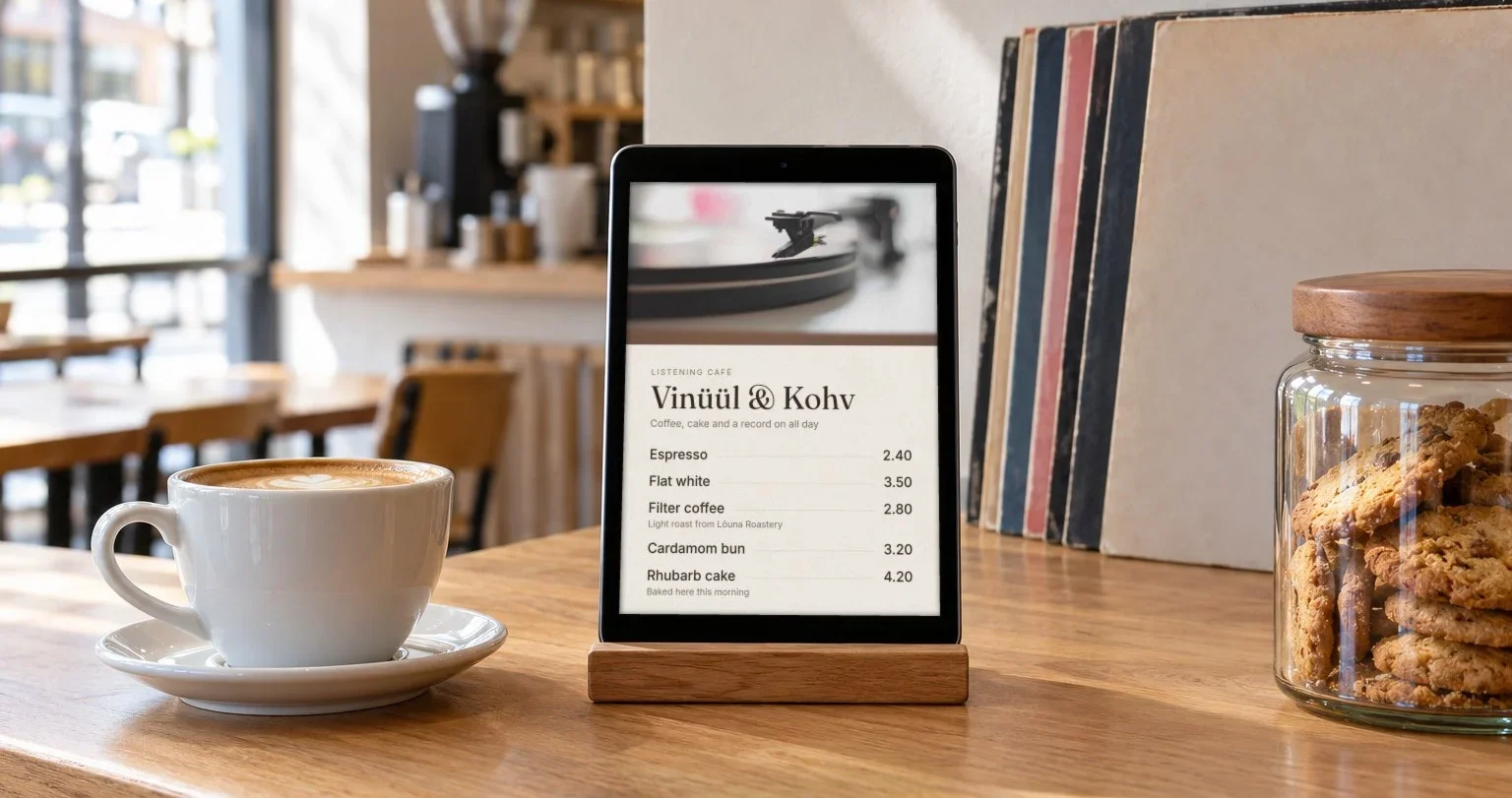
Think about a local cafe. Instead of expensive printed menus that are a pain to update, they can use HA Kiosk on an iPad to display a dynamic menu. As specials change or prices are adjusted, the content can be updated instantly via a web link. For event organizers, an iPad running HA Kiosk can serve as an information point, displaying schedules, maps, or speaker bios. In an office lobby, it can showcase company news, welcome visitors, or highlight upcoming events. Product showcases at trade shows? Point it at your product page or a web demo — HA Kiosk keeps it running, full screen. It's the simplest digital signage app when you need something reliable and effective without the overhead.

Setting Up Your iPad for Digital Signage with HA Kiosk
Getting started with HA Kiosk for your digital signage needs is refreshingly simple. If you're looking for an iPad digital signage app that prioritizes ease of use, this is it.
First, download HA Kiosk from the App Store. Once installed, open the app and swipe into Settings. The first field is the one that does most of the work: Dashboard/Website URL. Paste the address of whatever you want on the screen — a page you built for your signage, a hosted dashboard, a menu page, or a public website — and the app loads it full screen. (If you just want to see how it behaves before you have your own page, the demo Home Assistant dashboard at https://demo.home-assistant.io is a fine test target.)
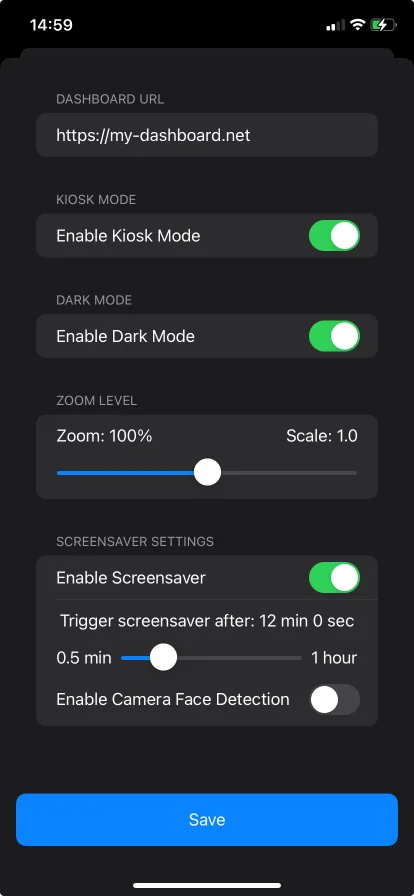
The rest of the settings screen is short on purpose:
Kiosk Mode: for Home Assistant specifically, this pairs with the HACS add-on called kiosk-mode to strip the header and sidebar out of the dashboard itself.
Dark Mode: darkens the page, not just the app around it — useful for a screen that has to live in a dim room at night.
Zoom Level: scale the page up or down as a percentage. A menu read from three metres away and a dashboard read from arm's length want very different numbers, and this applies instantly.
Screensaver: switch it on and set the delay anywhere from thirty seconds to an hour. You can choose a blank screensaver, and you can let the front camera wake the screen when someone walks up to it.
Security: set a PIN, and it gates the swipes that reach Settings. Turning Lock on also engages iOS Guided Access, which is the part that actually stops a visitor leaving the app — the app's own PIN cannot do that on iOS, so the app walks you through enabling Guided Access the first time.
Remote control: pair the iPad with a workspace at hakiosk.com/control, using a code or a QR, and you can push a new URL, change zoom or dark mode, wake it or pull a live screenshot from a laptop instead of walking to the wall. This is the setting that pays off once you have more than one screen.
Beyond the app, a few iPad system settings are worth a minute. Make sure Wi-Fi is stable if your content lives on the network, turn off notifications so nothing pops over your display, and leave the device on permanent power. For a fixed installation, a decent mount matters more than people expect.
Loading content is as easy as typing a URL into the app. Make sure the page is designed responsively so it looks right at the iPad's size and orientation — and if it doesn't quite, the zoom setting usually closes the gap without touching the page. The beauty of HA Kiosk is that it abstracts away the complexity, letting you focus on creating compelling content for your digital signage.
Advanced Features for Dynamic Digital Signage
While HA Kiosk excels at simplicity, it doesn't entirely skimp on features that enable more dynamic digital signage. For many use cases, the core functionality is more than enough. However, if you need a bit more sophistication, HA Kiosk offers pathways.
The "Web Page" content source is the gateway to advanced dynamism. By hosting your signage content on a web server, you can implement almost anything. This includes:
Scheduled Content Changes: Your web page can be programmed to display different content at different times of the day or week. For example, a restaurant could show breakfast menus until 11 AM, then switch to lunch specials.
Data Integration: If your web page can pull data from external sources (like live event schedules, weather feeds, or social media streams), HA Kiosk will display it seamlessly.
Interactive Elements: While HA Kiosk itself isn't a complex interactive kiosk builder, if you point it to a web page designed with interactive elements (buttons, forms), the iPad's touchscreen will naturally work with them.
Compared to enterprise-level digital signage platforms that might involve cloud dashboards, complex content scheduling tools, and multi-device management for hundreds of screens, HA Kiosk is refreshingly straightforward. You’re not paying for features you’ll never use. This makes it particularly attractive for smaller businesses, temporary installations, or specific events where complexity is the enemy.
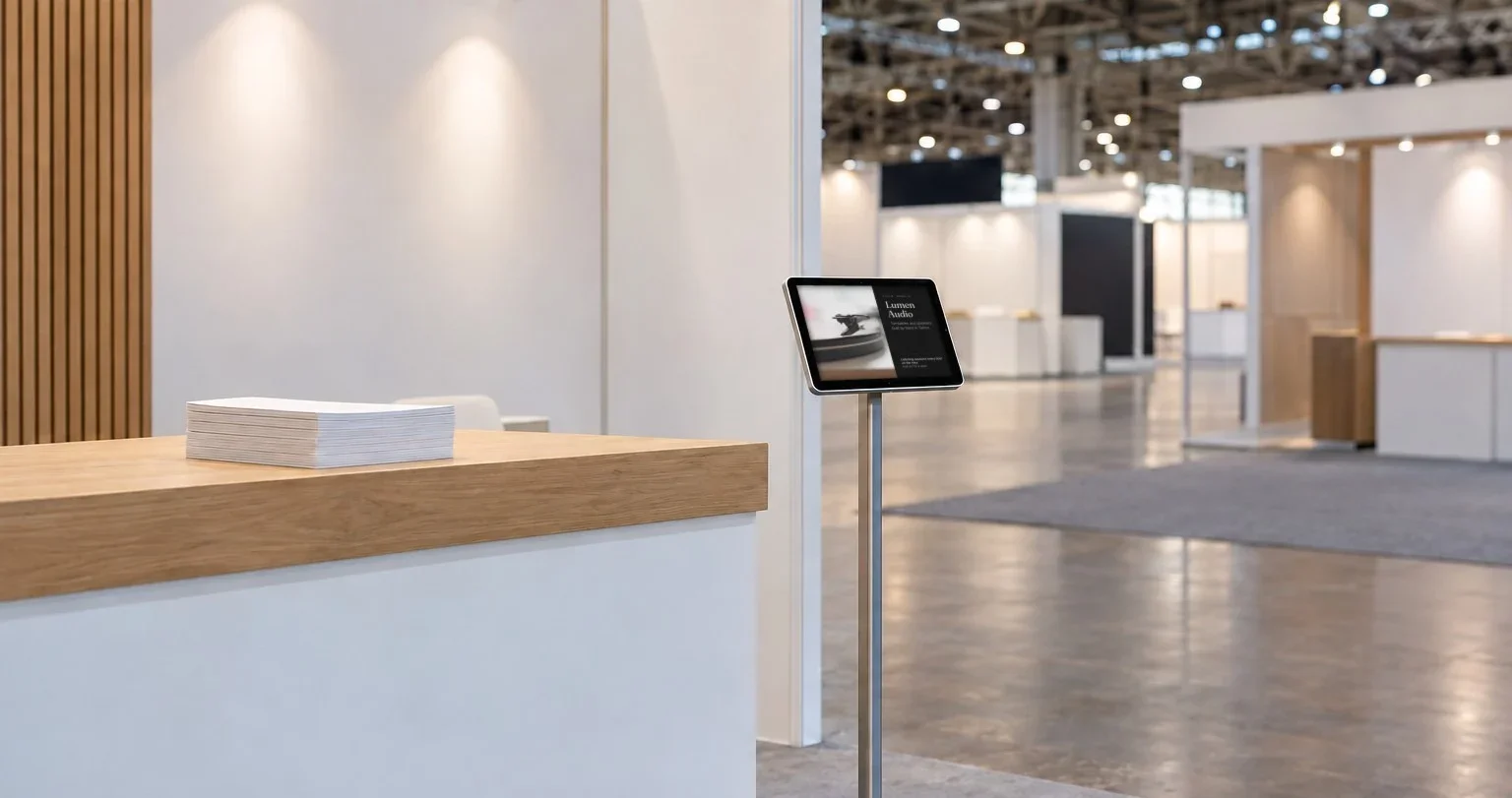
For instance, if you're exhibiting at a trade show, you need a reliable iPad kiosk app for exhibitions and trade shows that can run continuously, display product information, and perhaps even capture leads via a linked webpage. HA Kiosk is a good fit for this. You can set it up in minutes, lock it with a PIN and Guided Access so nobody wanders off your page, and leave it running for the day. It handles the core job of "display this content" well, which frees you up to focus on your attendees.
Beyond Signage: HA Kiosk for Other iPad Kiosk Needs
The strength of HA Kiosk lies in its versatility, driven by its core function: turning an iPad into a dedicated, full-screen display. While we've focused on digital signage, this capability extends to many other "kiosk" applications.
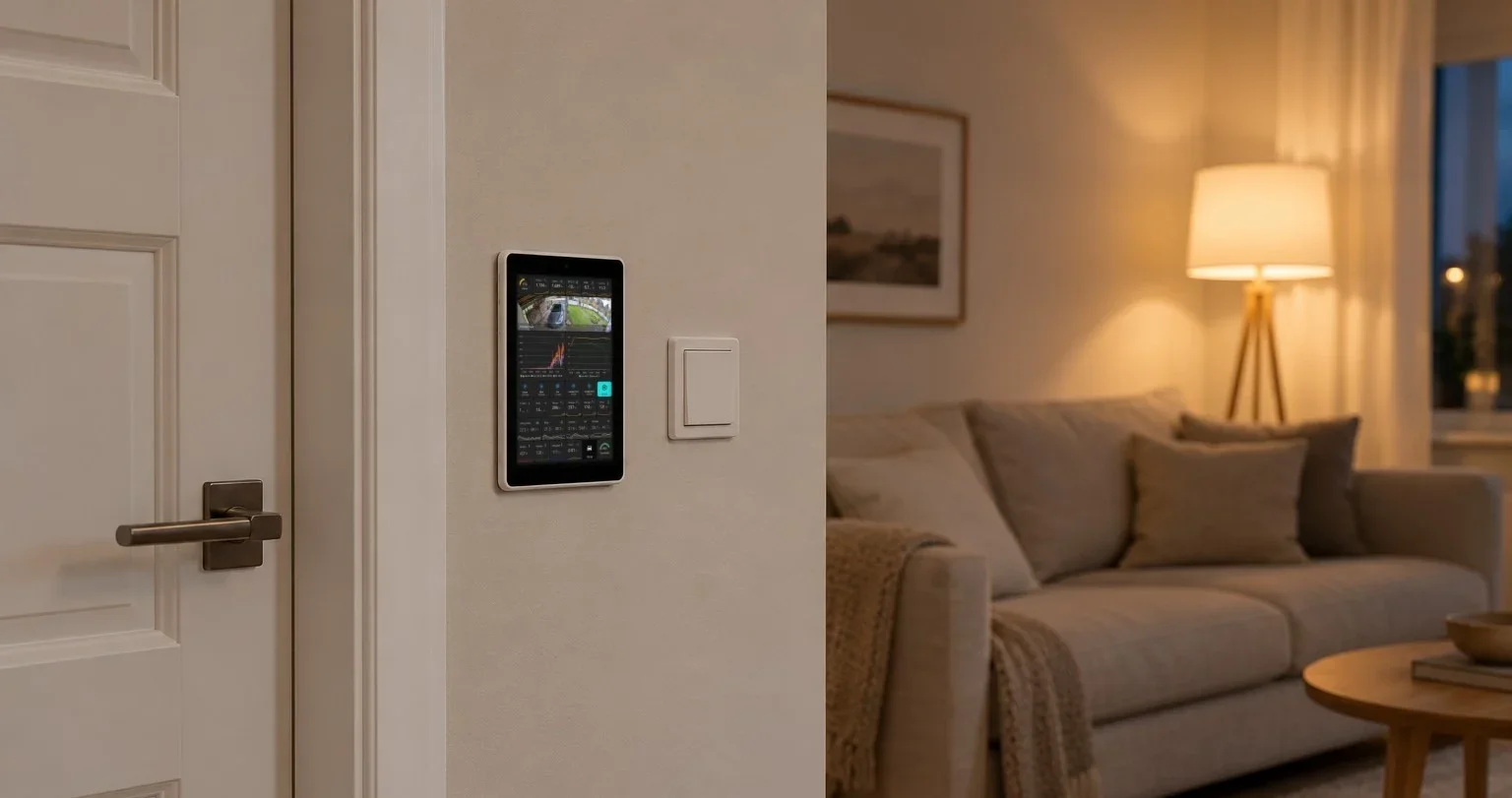
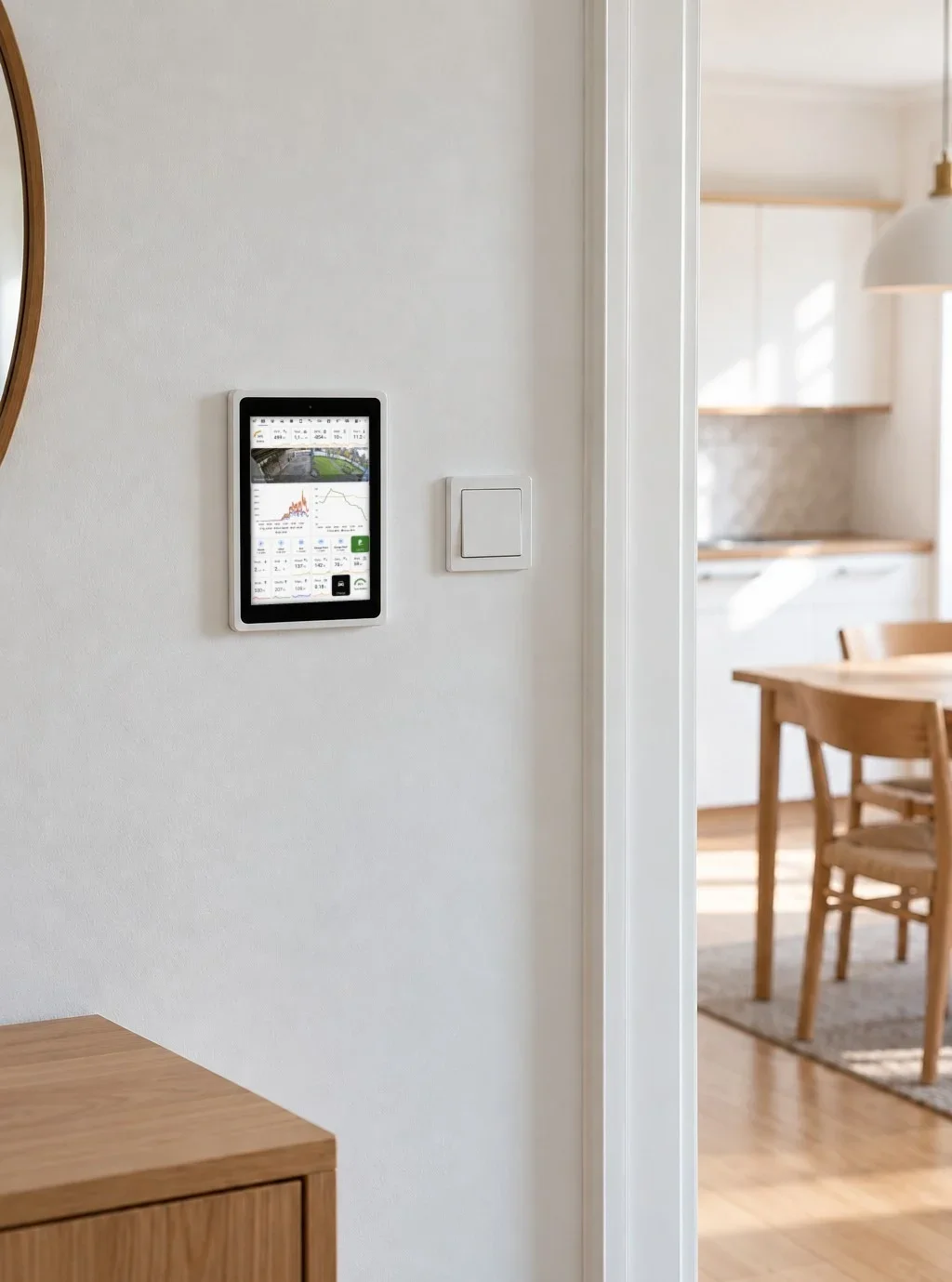
For example, many users leverage HA Kiosk as the best iPad kiosk app for Home Assistant dashboards. If you run a smart home setup using Home Assistant, you might have a dedicated tablet in your kitchen or living room displaying real-time sensor data, camera feeds, or control panels. HA Kiosk ensures that your Home Assistant dashboard loads in full screen and stays there, providing a clean, always-on interface without any distractions. You simply point HA Kiosk to the URL of your Home Assistant dashboard, and it takes care of the rest.
Similarly, it's perfect for:
Information points: Displaying maps, directories, or FAQs in public spaces.
Booking systems: Running a web-based room or resource booking interface.
Feedback forms: Dedicating a tablet to a customer satisfaction survey page.
Art displays: Turning an iPad into a digital photo frame for showcasing artwork.
The underlying principle remains the same: take one web page and make it run reliably, full screen, on an iPad. That is the whole app, and it is why the same tool covers a menu board, a booking panel and a smart-home dashboard without any of them needing a different product.
HA Kiosk is on the App Store. Point it at a page, mount the iPad, and that's your display.