Free, live, no sign-up
Dashboards
Pages that fill one screen, update themselves and can be read from across the room. Open one in any browser, or give its address to a wall tablet, a TV or a Home Assistant dashboard and leave it running.
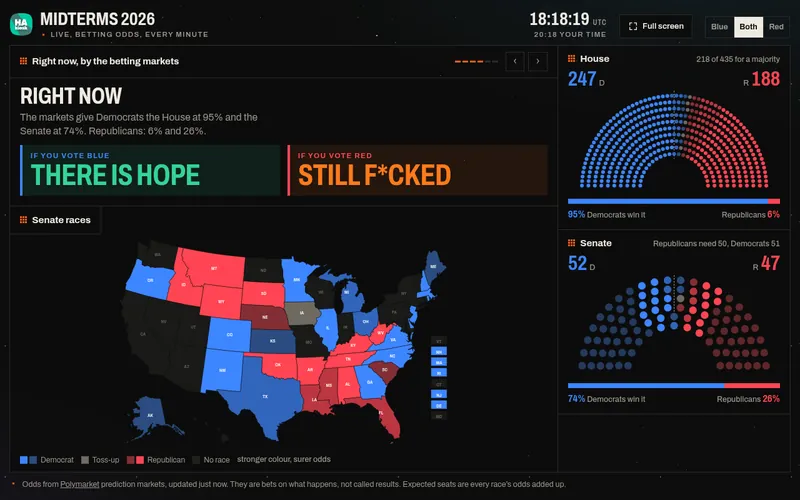
Midterms 2026New
Live betting odds for the House, the Senate and every race, and what could go sideways.
Seat arcsSenate mapScenarios
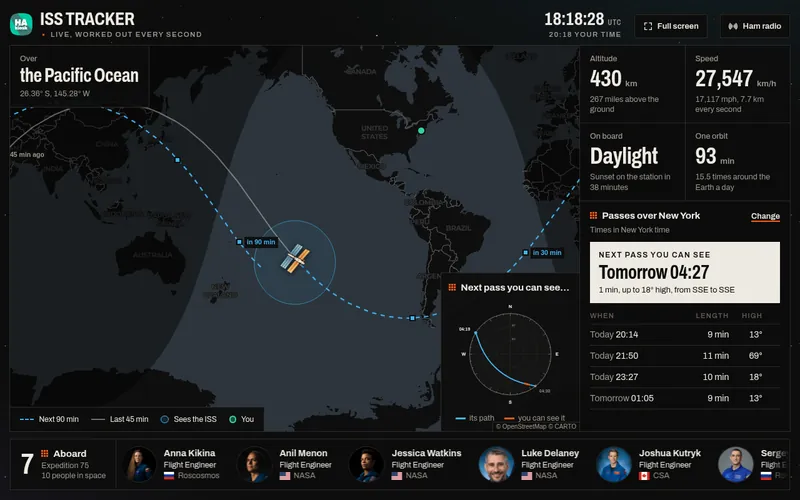
ISS Tracker
Where the space station is right now, who is aboard, and every time it passes over you.
Live positionPassesCrewHam radio
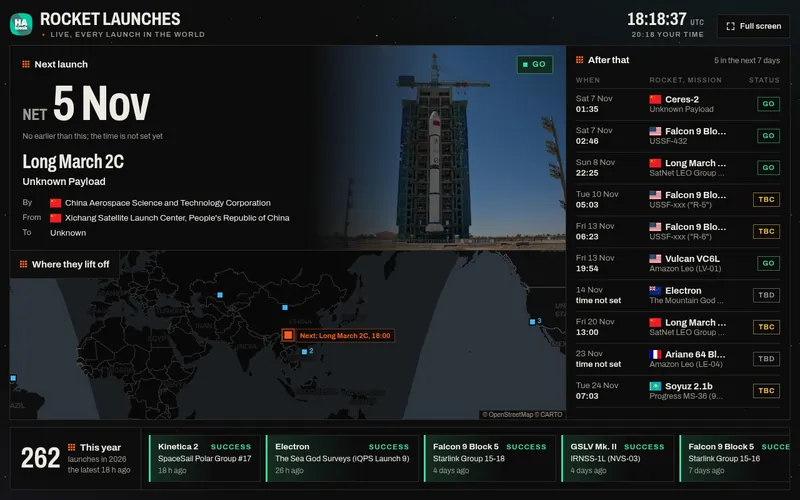
Rocket Launches
A live countdown to the next launch anywhere in the world, the launch stream, and the launches after it.
CountdownLaunch padsTimetable
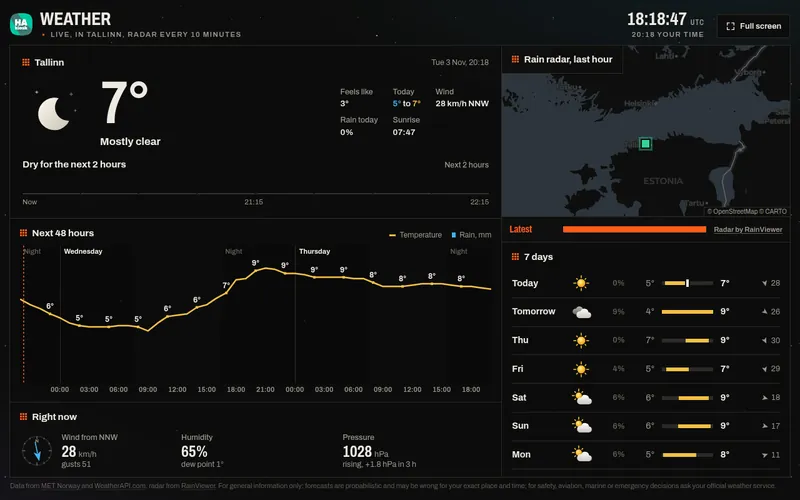
Weather
The weather now, rain in the next two hours, a live radar and the week ahead, for any town.
Rain radar48 hours7 days
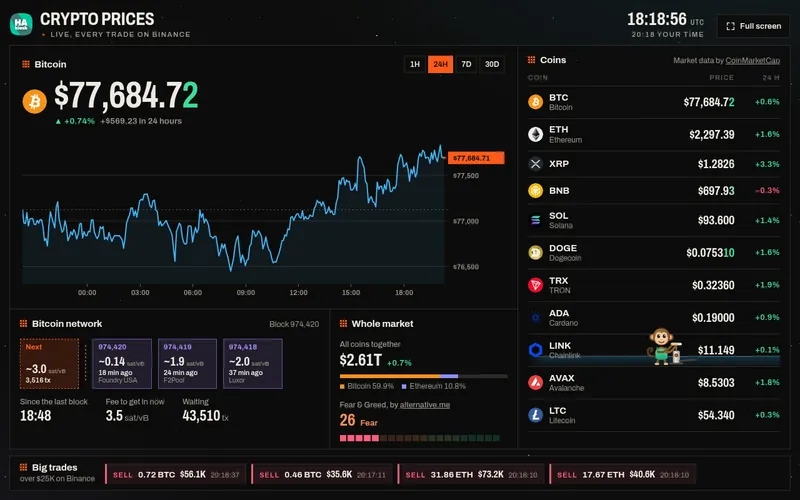
Crypto Prices
Bitcoin and the coins you choose, priced from every trade, with the Bitcoin network and the whole market.
Every tradeBitcoin networkBig trades
- See what HAkiosk does
Or your own page
HAkiosk shows any web page full screen: your Home Assistant dashboard, a café menu, a meeting-room booking page, your own website. More dashboards are on the way.
Put one on your wall
- 01
Pick a dashboard
Open it here and look around. Most of them remember your place, your coins or your side.
- 02
Give it to a screen
Install HAkiosk on an Android tablet, iPad or iPhone and enter the dashboard’s address. On a TV or a laptop, press Full screen.
- 03
Or add it to Home Assistant
Already showing Home Assistant on a tablet? Add the address in a Webpage card, and the dashboard sits beside your lights and heating.