Turn any website into a kiosk app
HAkiosk shows one website full screen on an Android tablet, iPad or iPhone, with no browser bars, and keeps it there.
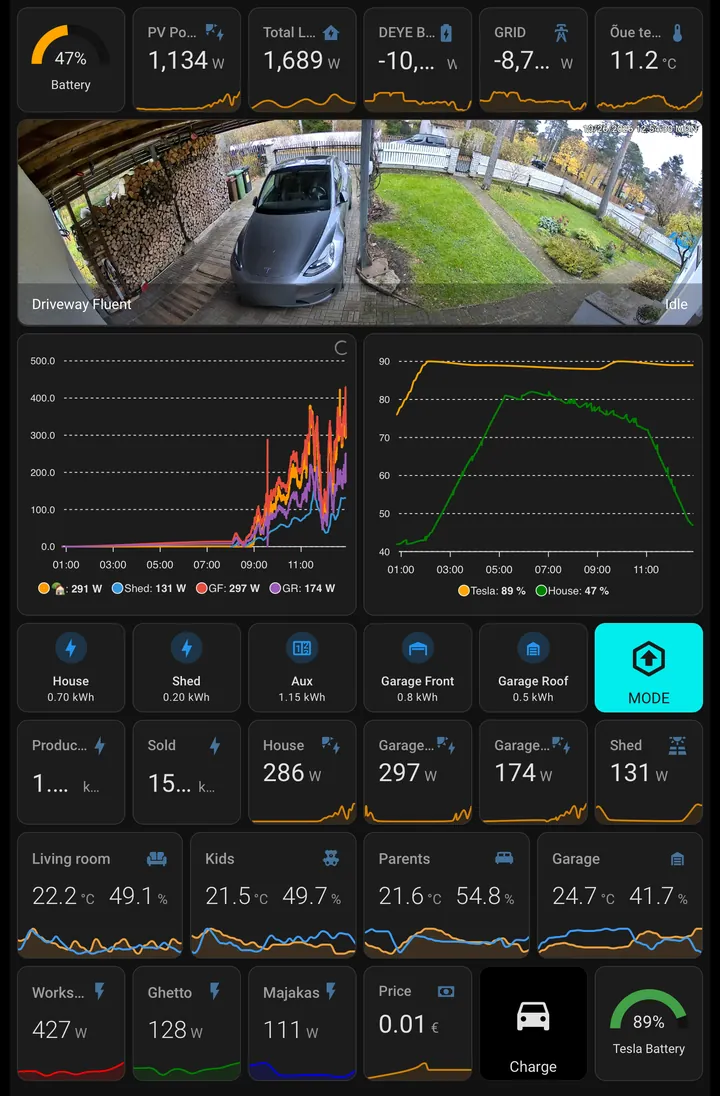
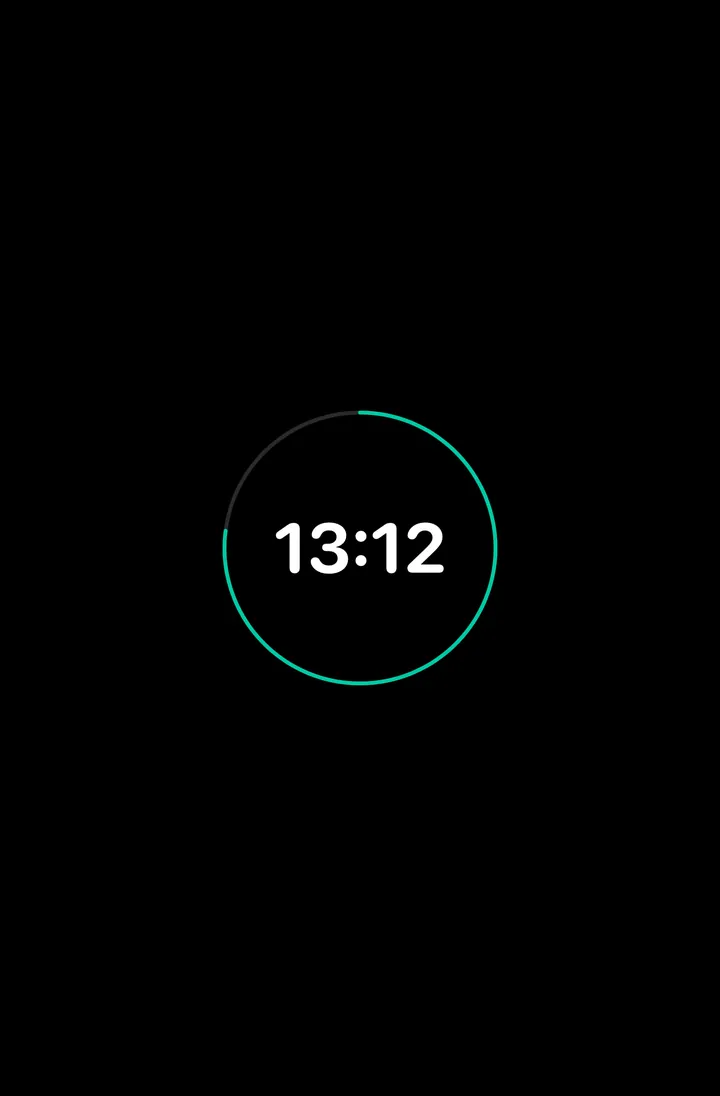
Home Assistant can wake the tablet and read its battery over MQTT. Between uses the screensaver shows a clock or your own photos from Immich, and it wakes when someone walks up. On Android it can also reload on a timer, change pages on a schedule and show your own page when the network drops.
Install it on the tablet you have and enter one address.
Use it for:

Use cases
HAkiosk works with any website. Each page below shows one way to set it up.
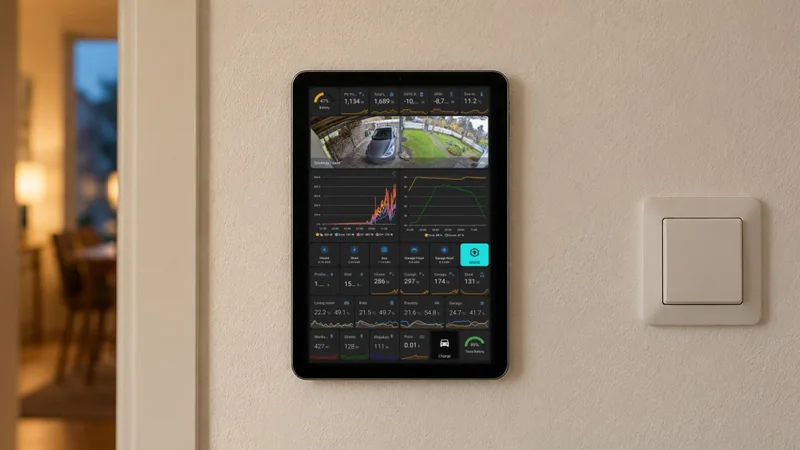
Home Assistant Dashboards
Display your smart home dashboard on tablets mounted on walls. Monitor devices, control automation, and stay connected.
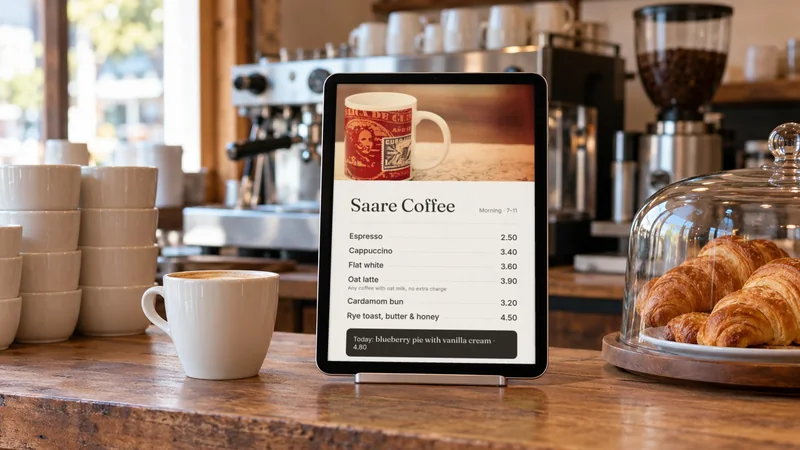
Cafe & Restaurant Menus
Showcase your menu, daily specials, and promotions on tablets. Easy to update and always up-to-date.
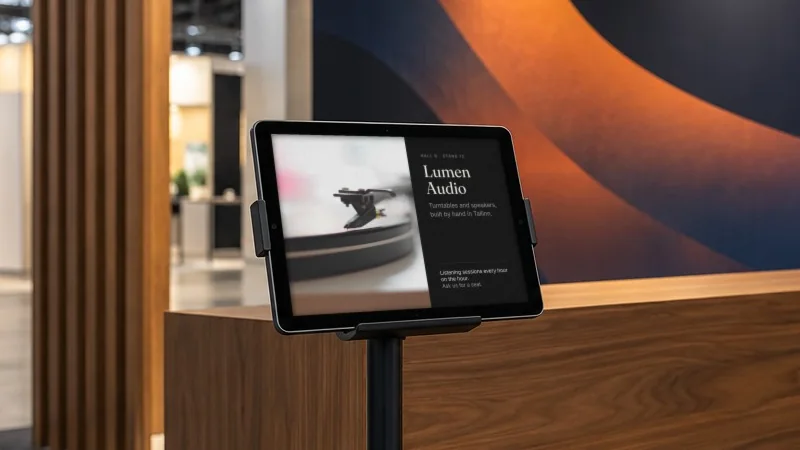
Exhibitions & Trade Shows
Run 35 booth tablets from your phone. Push URLs, swap booth content, refresh stale screens — without walking the floor.
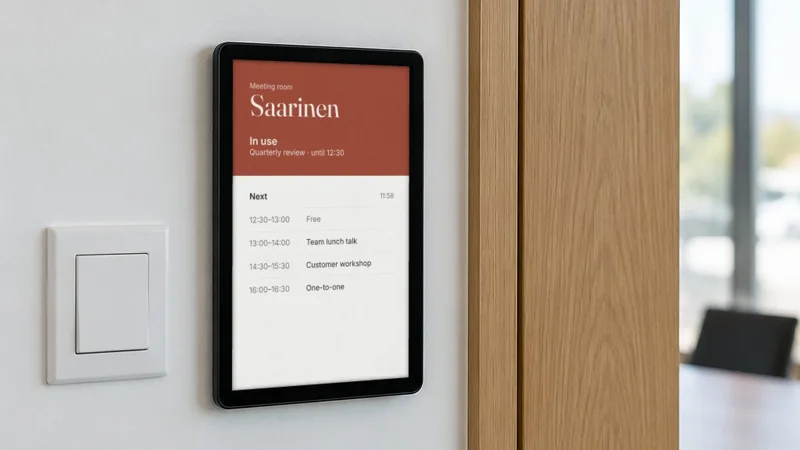
Office Meeting Rooms
Display room booking schedules, availability, and reservations. Perfect for modern office spaces.
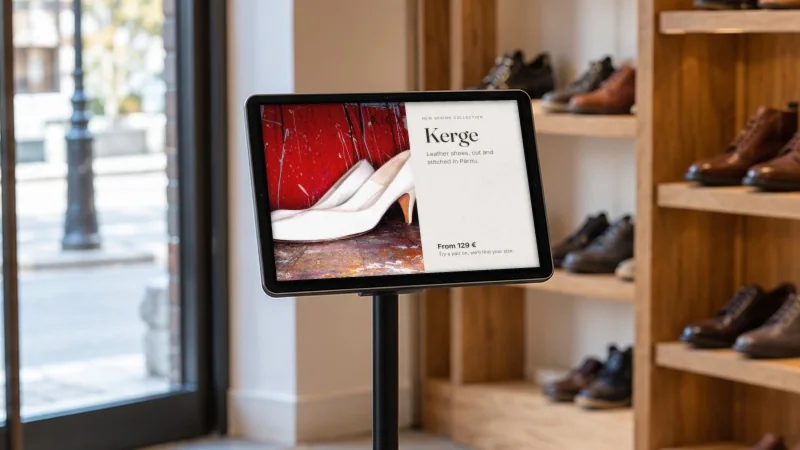
Digital Signage
Create eye-catching displays for retail stores, lobbies, waiting areas, and public spaces.
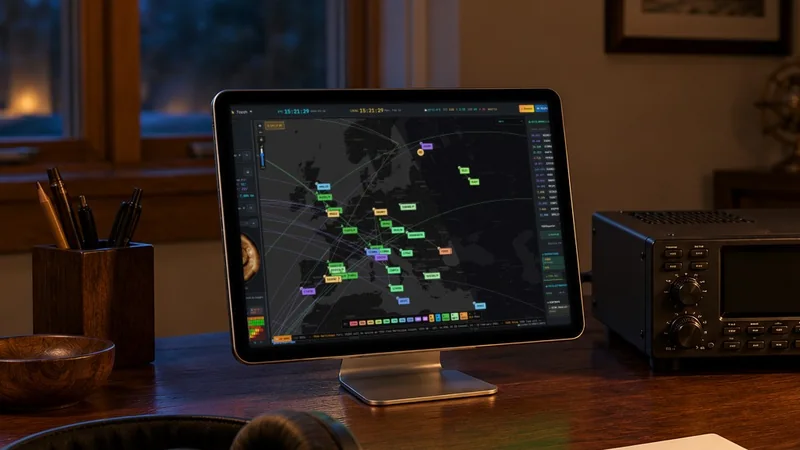
Amateur Radio Dashboard
Display OpenHamClock on a dedicated tablet. DX spots, propagation data, space weather, and satellite tracking at a glance.
Interactive Data Dashboards
Real-time dashboards made for kiosk screens: live cryptocurrency prices, weather forecasts and the International Space Station, each full screen and ready to put on a tablet.
Cryptocurrency Dashboard
View live cryptocurrency prices with interactive charts and market data. Track Bitcoin, Ethereum, and other cryptocurrencies with candlestick and line charts. Switch between USD and EUR.
Why it's useful
- Live price updates for major cryptocurrencies
- Interactive charts with historical data
- USD and EUR currency support
- Customizable crypto selection
Weather Dashboard
Check current weather conditions and 4-day forecasts for any location. View temperature, humidity, wind, and pressure with weather-specific visual backgrounds.
Why it's useful
- Current weather conditions
- 4-day weather forecast
- Search any location worldwide
- Celsius and Fahrenheit support
ISS Tracker
Track the International Space Station in real-time. See current position on a live map, crew information, docked spacecraft, and orbital stats. Includes Ham Radio mode for amateur radio operators.
Why it's useful
- Real-time ISS position tracking
- Live crew and spacecraft information
- Day/night terminator visualization
- Ham Radio mode with Doppler shift
Stock Market Dashboard
Monitor global stock markets with real-time quotes, market indices, and portfolio tracking. Stay informed about market trends and make data-driven investment decisions.
Why it's useful
- Real-time stock quotes and market data
- Track major indices and market trends
- Portfolio performance monitoring
- Market news and analysis integration
Electricity Price Dashboard
Monitor electricity prices, track energy consumption costs, and optimize your energy usage. Stay informed about price fluctuations and plan your energy consumption efficiently.
Why it's useful
- Real-time electricity price tracking
- Energy consumption cost analysis
- Price forecasting and trend analysis
- Optimize energy usage for cost savings
Any website, full screen on a tablet.
Put an iPad or Android tablet on the wall with one website on it: a Home Assistant dashboard, a café menu, a booking page or a sign. The screensaver shows a clock, a blank screen or your own photos, and clears when someone walks up: from opt-in face detection, an MQTT message from Home Assistant, or the proximity sensor on Android.
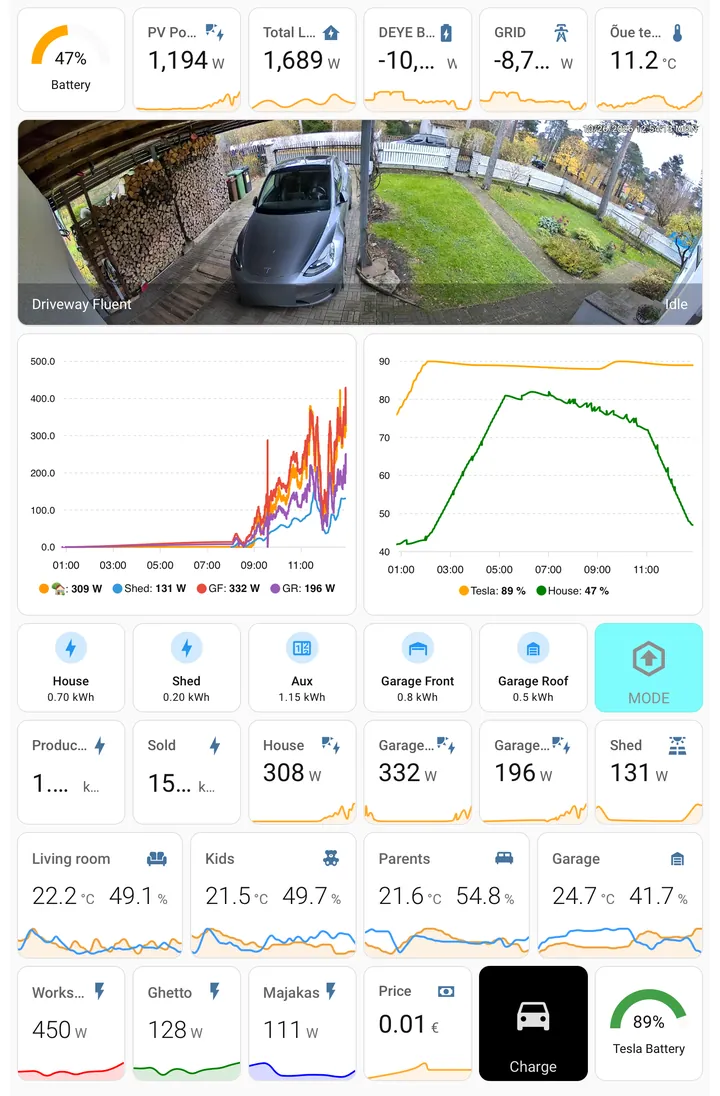
- Clean Fullscreen Dashboard.
- Enjoy a clutter-free viewing experience with a sleek and immersive fullscreen dashboard.
- Simple Yet Nerdy Settings
- Access easy-to-use settings that offer advanced functionality, catering to both simplicity and sophistication.
- Intelligent Screensaver
- A clock, a blank screen, or your own photos from an Immich album. It wakes on a touch, on a face if you turn detection on, or on an MQTT message from Home Assistant.
- Remote Fleet Control
- Every tablet on one page: push a URL, refresh, show the screensaver, wake it or take a screenshot, on 1 tablet or 100. Included on iPad and iPhone; part of Pro on Android. Explore Fleet Control
- Runs Unattended
- On Android: show your own page when Wi-Fi drops, and with Pro reload on a timer, change pages on a schedule and start after a reboot. On iPad and iPhone: stay awake around the clock, or let the device sleep on its Auto-Lock timer.