Amateur Radio Dashboard with OpenHamClock
Turn your Android tablet or iPad into a dedicated amateur radio operating station display with OpenHamClock. Monitor DX spots, propagation conditions, space weather, and satellite tracking in real time — all running in HAkiosk's full-screen kiosk mode.
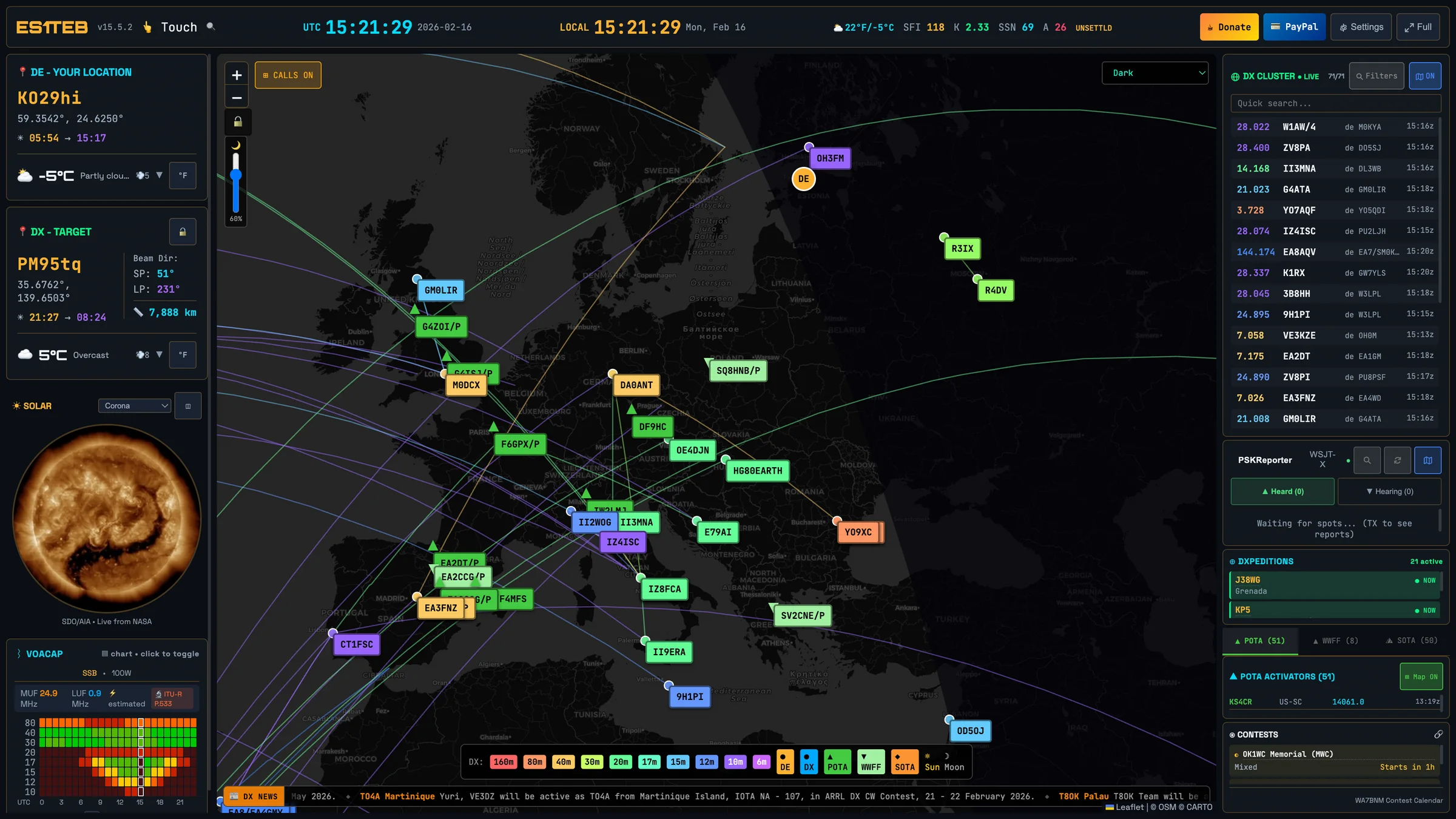
Live DX & Propagation Data
See real-time DX cluster spots, PSKReporter data, and WSJT-X decodes on an interactive world map. Track propagation conditions with live SFI, K-index, and SSN readings.
Dedicated Shack Display
Mount a tablet in your ham shack as an always-on dashboard. HAkiosk's screensaver can wake the display when you walk up, keeping your operating position informed.
Point and Go
Simply enter the OpenHamClock URL in HAkiosk and you're running. No complex setup, no server configuration — just a beautiful full-screen ham radio dashboard on any tablet.
What is OpenHamClock?
OpenHamClock is a free, open-source amateur radio dashboard built by the ham radio community. It provides a comprehensive real-time view of band conditions, DX activity, and space weather — everything a radio operator needs at a glance.
- Interactive world map with DX spots, POTA activators, and satellite tracking
- Real-time space weather indices — SFI, K-index, SSN, and X-ray flux
- DX cluster, PSKReporter, and WSJT-X integration
- HF propagation predictions and band condition reports
- Multiple themes: Dark, Light, Legacy, and Retro
Get Started in 3 Steps
Install HAkiosk
Download HAkiosk from the App Store or Google Play on your tablet.
Enter the URL
Open HAkiosk settings and set https://openhamclock.com as your dashboard URL.
Enjoy Your Shack Display
Your tablet is now a dedicated amateur radio dashboard. Mount it in your shack.
Other ways to use HAkiosk
HAkiosk works with any website. Here are other popular use cases:
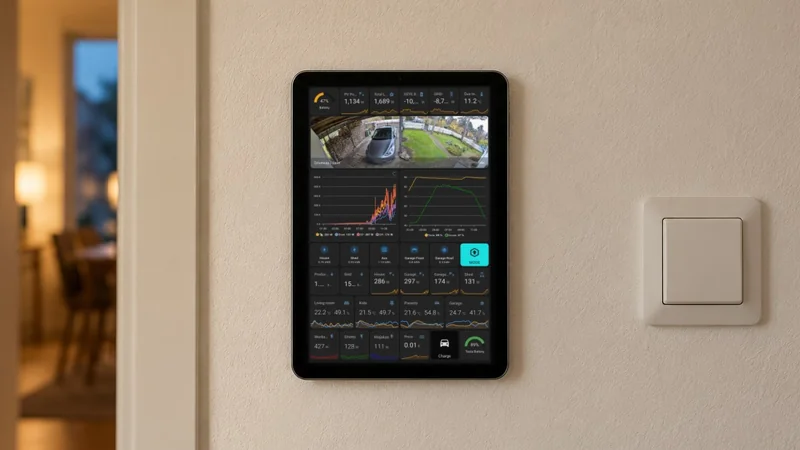
Home Assistant Dashboards
Display your smart home dashboard on tablets mounted on walls. Monitor devices, control automation, and stay connected.
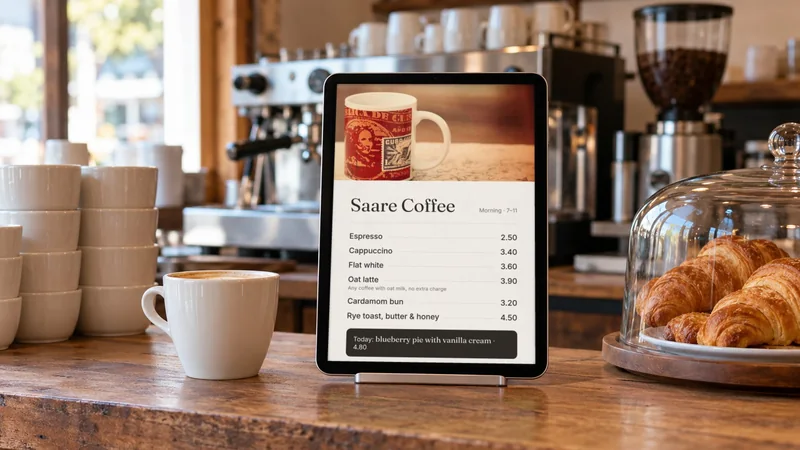
Cafe & Restaurant Menus
Showcase your menu, daily specials, and promotions on tablets. Easy to update and always up-to-date.
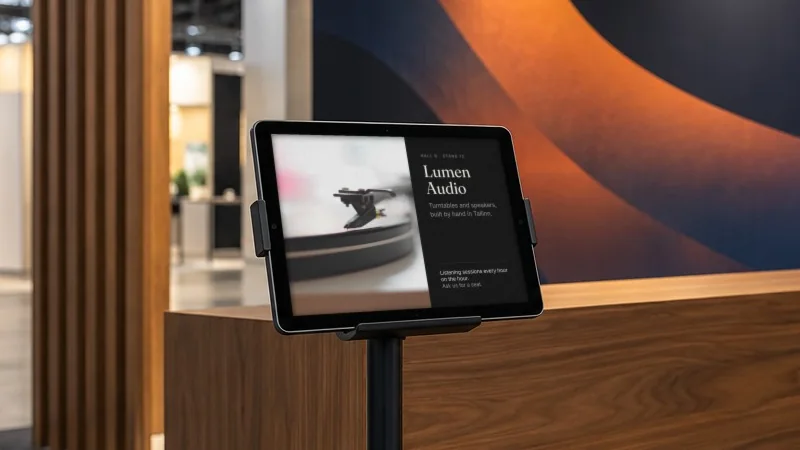
Exhibitions & Trade Shows
Run 35 booth tablets from your phone. Push URLs, swap booth content, refresh stale screens — without walking the floor.
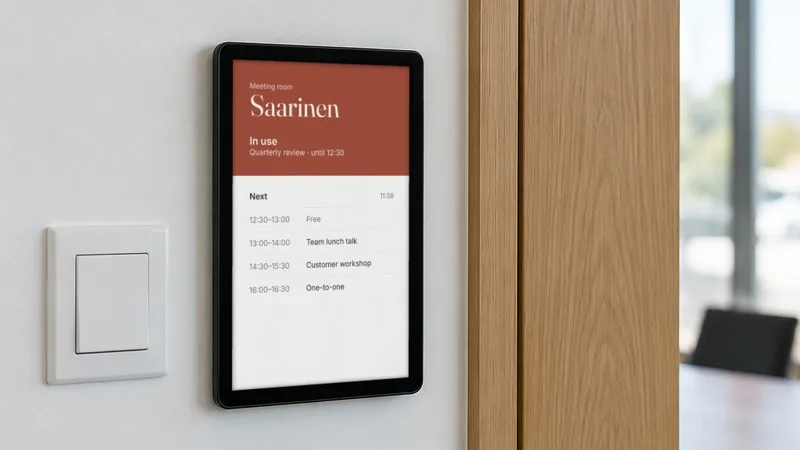
Office Meeting Rooms
Display room booking schedules, availability, and reservations. Perfect for modern office spaces.
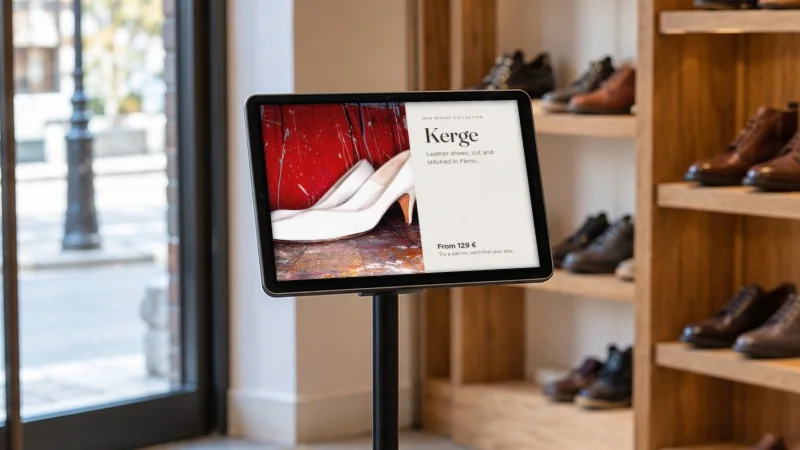
Digital Signage
Create eye-catching displays for retail stores, lobbies, waiting areas, and public spaces.