One dashboard. Every kiosk.
Manage every HAkiosk tablet you own from a single browser tab. Push URL changes, refresh screens, trigger screensavers and wake displays across 1 or 100 devices — without walking to a single one.
One-time Pro purchase on Android, included with the app on iPhone & iPad. Unlimited devices.
Seven controls. One dashboard.
Each of these is wired to a real Firestore command — no demos, no roadmap items. These ship today.
Push URL to a group
Type a new URL once. Every paired tablet in the group opens it the next time it checks in, even one that is showing its screensaver.
Force refresh
Stuck dashboard? Stale menu? One tap reloads every screen in the group at the same time.
Screensaver & wake
Show the screensaver after hours, or wake a lobby display the moment you know a visitor is expected.
Online heartbeat
Every tablet checks in on a 5-minute heartbeat. Spot the one that fell off Wi-Fi before your customers do.
Groups & overrides
Bundle tablets into Booth A, Lobby, Kitchen. Set the URL on the group; every device follows. Override one tablet without breaking the rest.
PIN-locked kiosk mode
Lock device settings behind a PIN you set from the dashboard. Curious fingers won't escape kiosk mode mid-event.
Live screenshots
Pull a one-shot screenshot of what a tablet is showing right now. The image passes through for about a second, then your browser deletes it — nothing is kept.
Three steps to a connected fleet
No accounts to set up, no servers to configure. Pair and go.
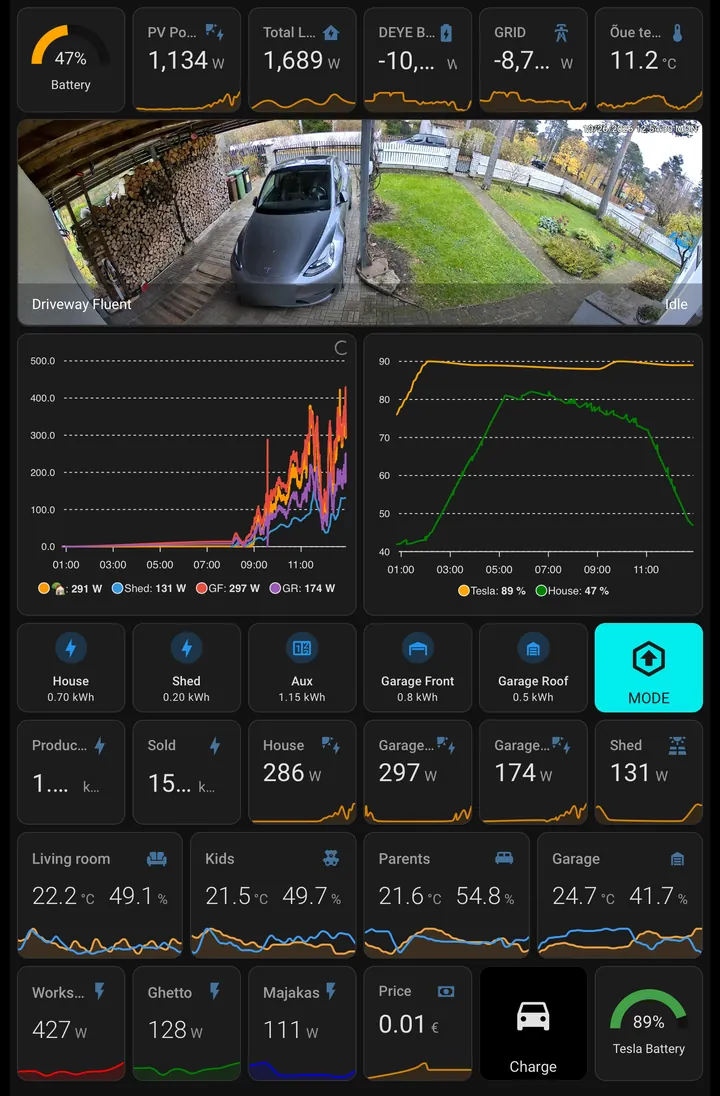
Install HAkiosk on the tablet
Grab HAkiosk from the App Store or Google Play and install it on every tablet — takes seconds.
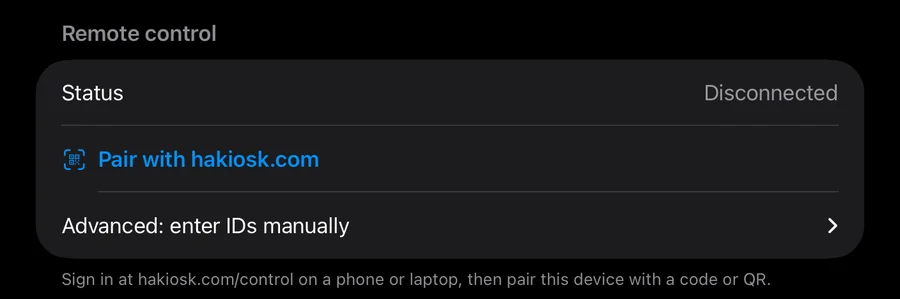
Pair with a QR code
Open hakiosk.com/control and press Pair device. Scan the QR code with the tablet, or type the 6-digit code in the tablet's settings. The tablet shows up on your dashboard.
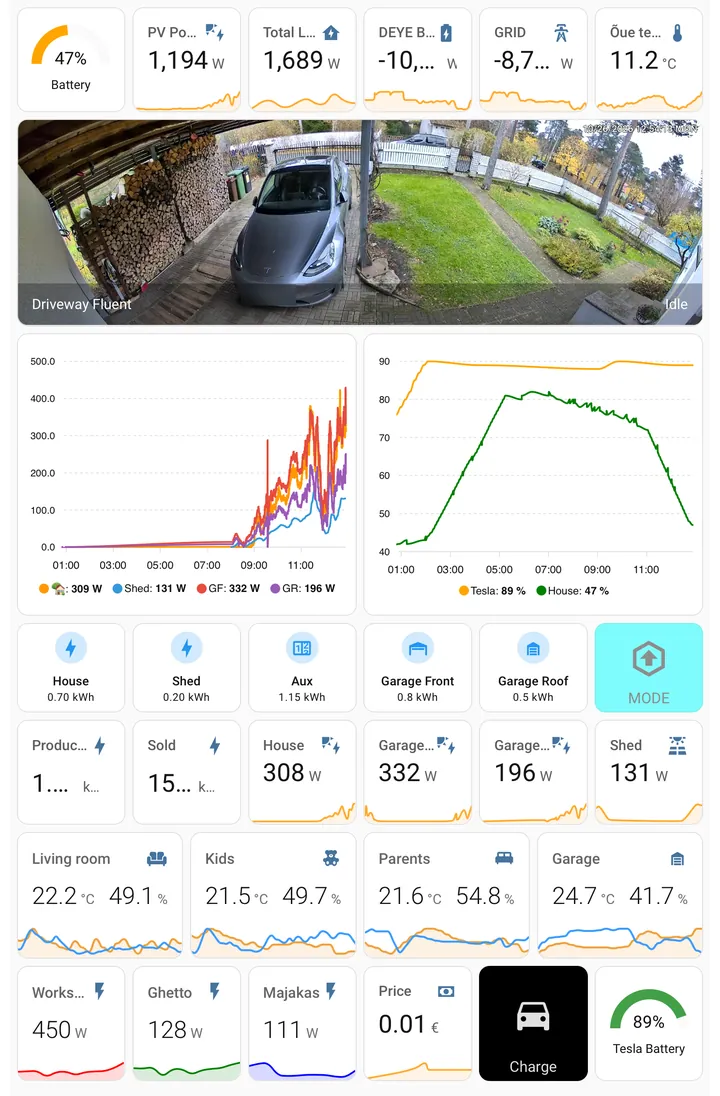 Three tablets, each showing a different screen

Manage everything remotely
Push URLs, refresh, screensaver, wake, group — from your phone, laptop, or another tablet. Anywhere with internet.
Built for the way you deploy kiosks
Whether you run 2 tablets at home or 50 at an exhibition, Fleet Control scales with you.
Exhibitions & trade shows
Change the URL on 35 booth tablets from your phone the morning of the event. No USB sticks, no IT crew.
Office signage
Update room booking displays, lobby info, and meeting room schedules across every floor without leaving your desk.
Retail & cafés
Swap menu boards between breakfast and lunch on every screen at once. Refresh the daily special at 3pm.
Multi-room Home Assistant
Different dashboard per room? Switch them all from your phone when guests come over, push them back at bedtime.
Amateur radio shacks
Run OpenHamClock on one tablet and a logger on another. Wake the right screen for the right band conditions.
Pricing
Buy once. No subscription.
On Android, Fleet Control is part of the one-time HAkiosk Pro purchase. On iPhone and iPad it's included with the app, which is itself a one-time purchase. Either way there is nothing to renew.
On Android, Fleet Control is part of the one-time HAkiosk Pro purchase. On iPhone and iPad it's included with the app, which is itself a one-time purchase. Either way there is nothing to renew.
- Unlimited devices, no per-tablet fees
- No MDM contract or per-seat licensing
- Free account with Google, Apple or email
- One purchase per Android device owner — yours forever
Enterprise MDM tools usually charge per device, every month. HAkiosk Pro is a single in-app purchase that covers your whole fleet, and the dashboard itself is free.
Open Fleet DashboardFrequently asked questions
How much does Fleet Control cost?
What do I get for free on Android?
How many tablets can I manage?
Do I need to create an account?
Does the tablet need to be online to receive commands?
How do I pair a tablet?
Can I group tablets together?
Does HAkiosk work with Home Assistant and MQTT?
Start managing your fleet today
Sign in to your dashboard or install HAkiosk on your first tablet — both take under a minute.