Free Live Dashboards for Your Wall Tablet or TV
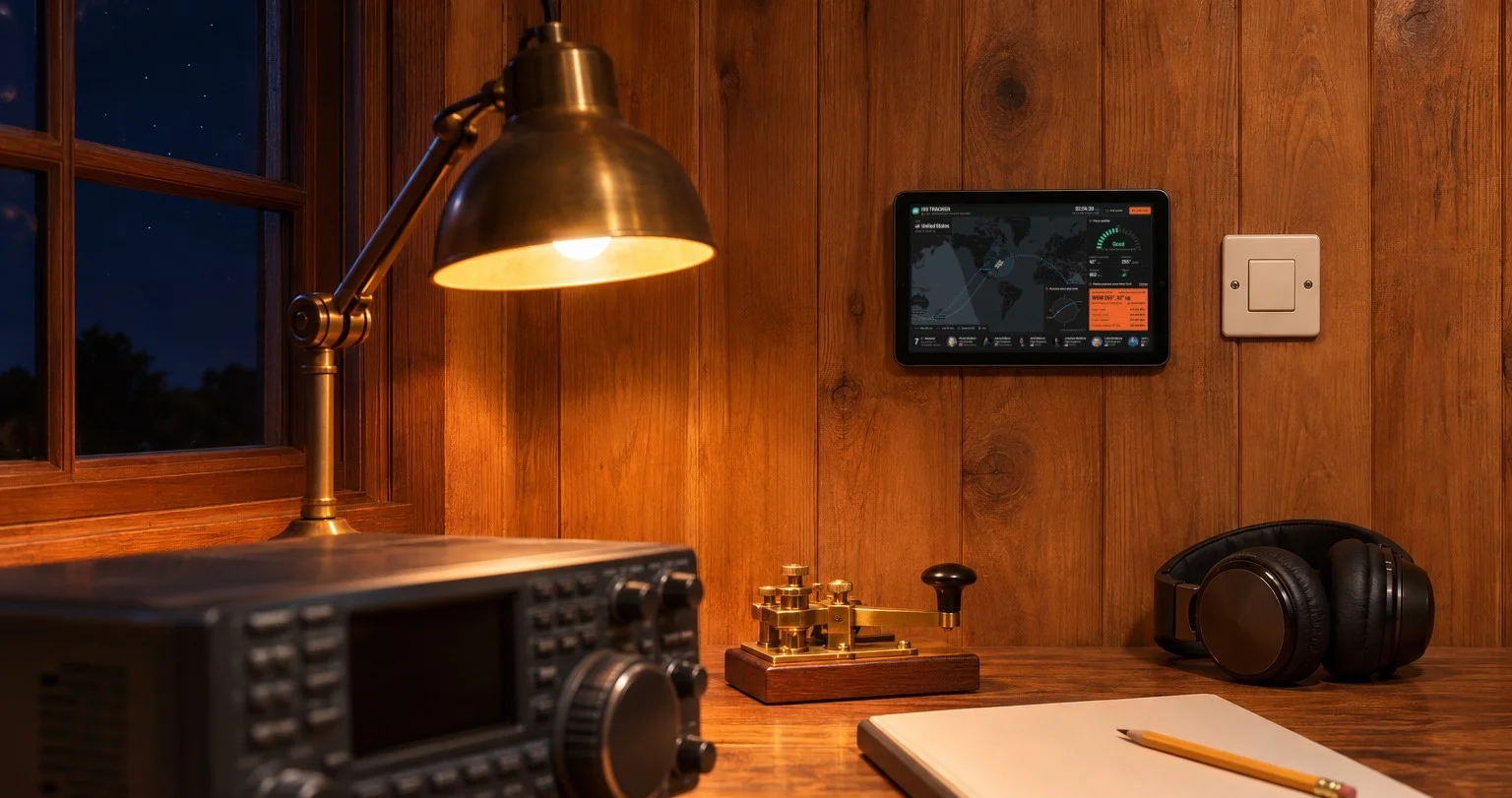
A tablet on the wall is good for more than light switches. We make free dashboards for it: pages that fill one screen, update themselves and can be read from across the room. Each one is a web address. Open it in any browser, or give it to a tablet, a TV or a Home Assistant dashboard and leave it running.
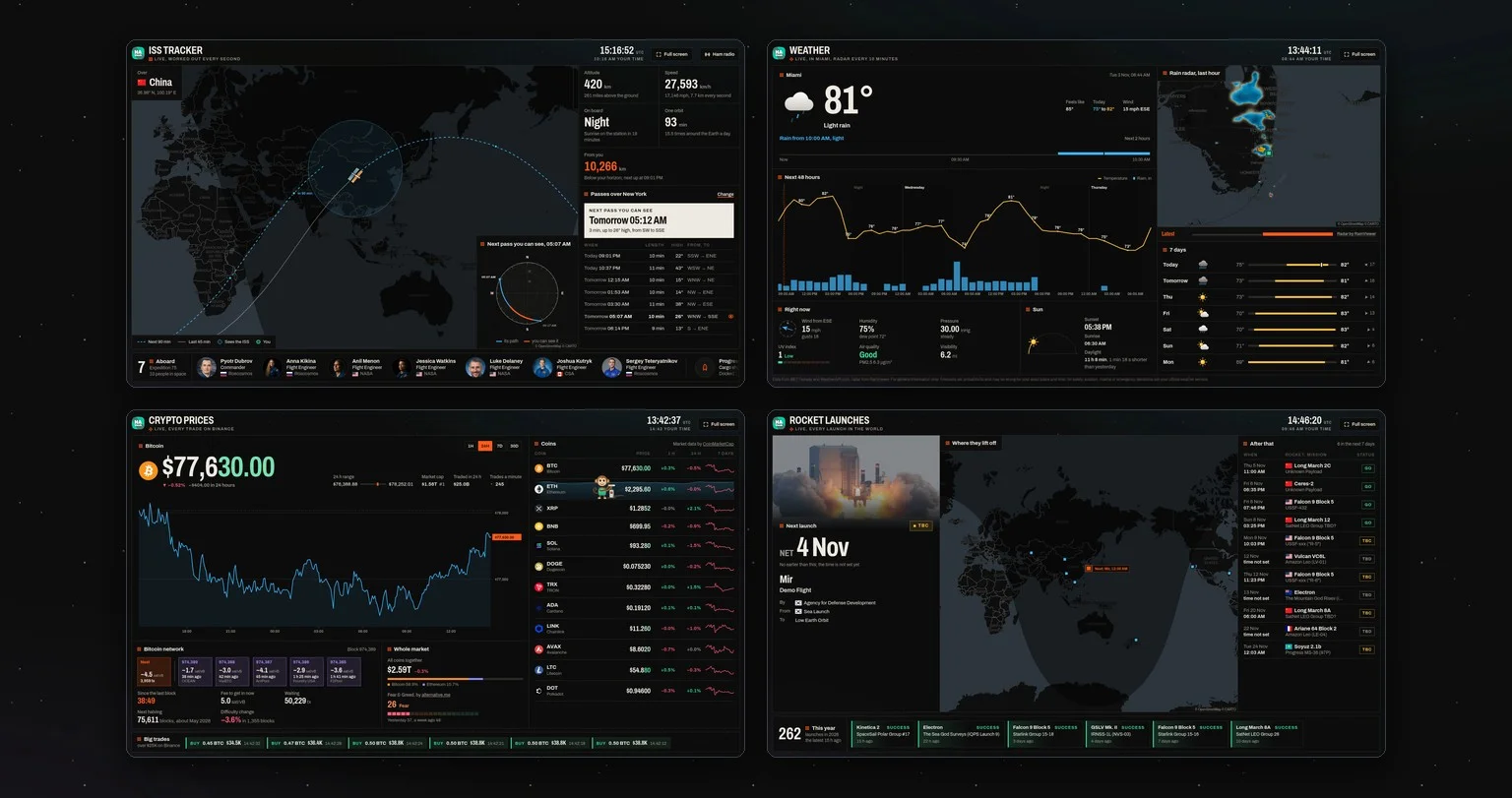
There are four so far.
The ISS, live
Where the International Space Station is right now, its path for the next 90 minutes, who is aboard, and every time it crosses your sky in the next 10 days, with the passes you can see with your own eyes marked. Radio amateurs get pass quality, antenna direction and Doppler-corrected frequencies.
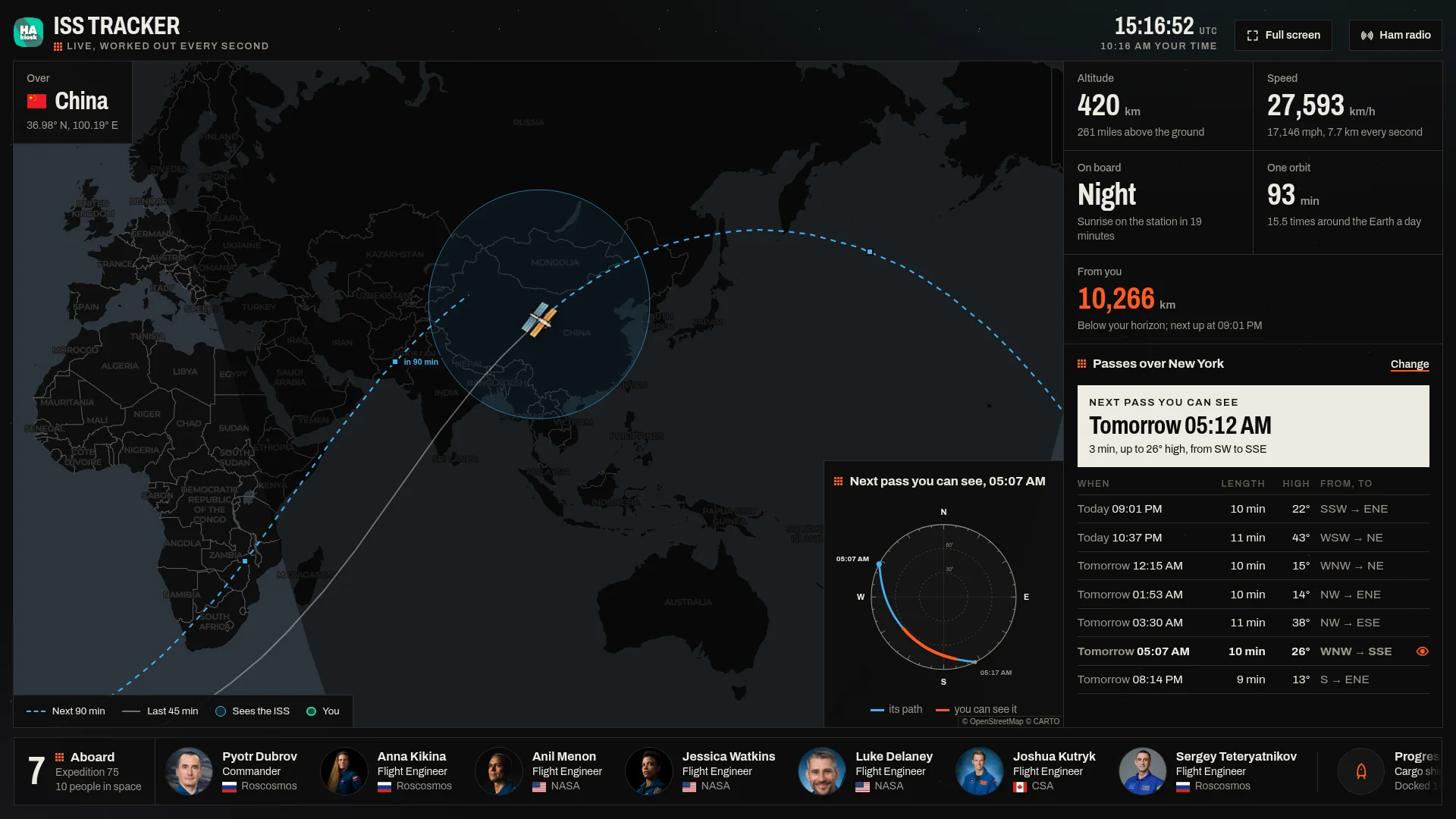
Open the ISS Tracker · read more about it
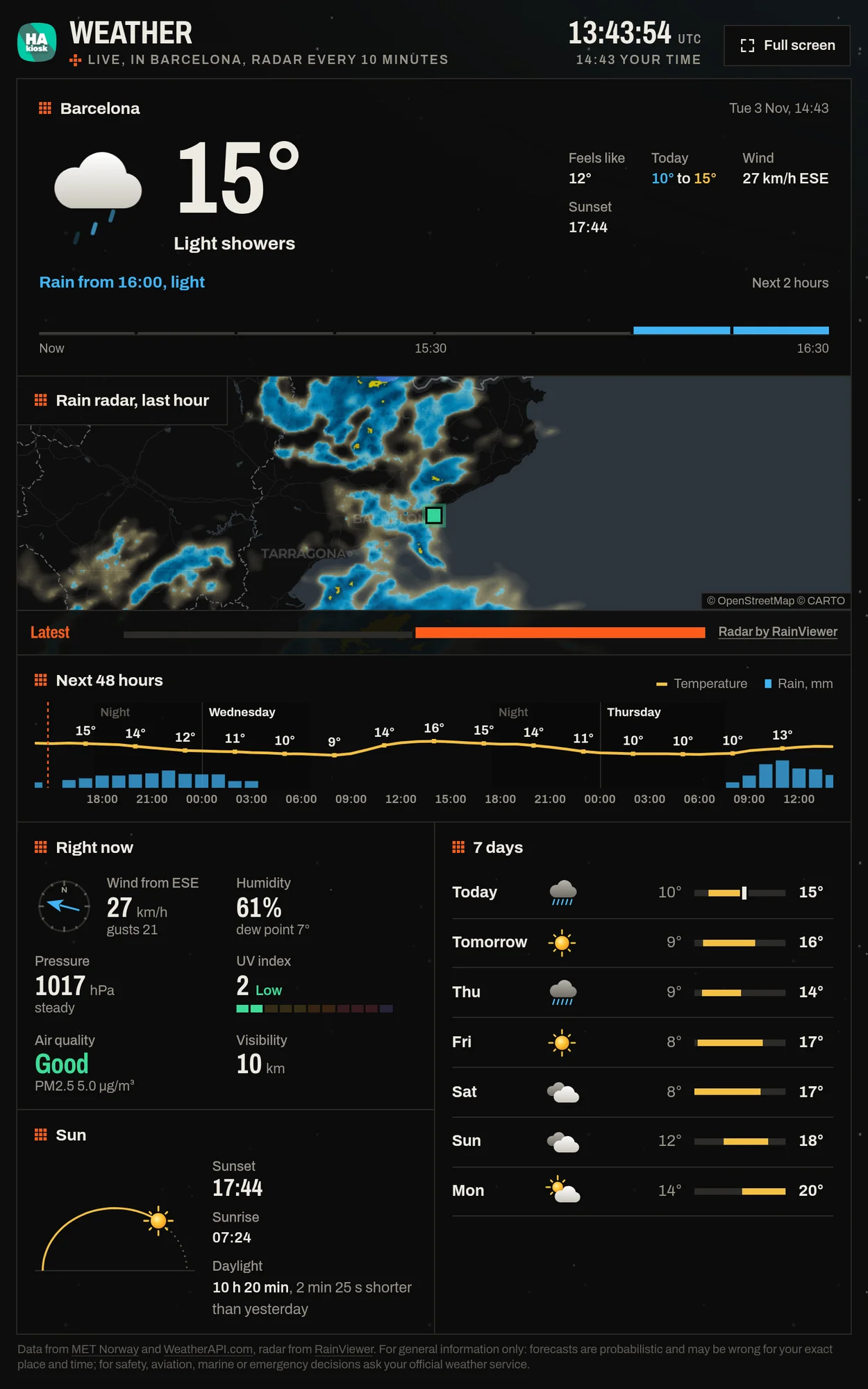
The weather, with rain radar
The weather now, rain in the next two hours in words, a live radar of the rain around you, the next 48 hours and seven days, for any town in the world. Made for the wall by the front door.
Crypto prices from every trade
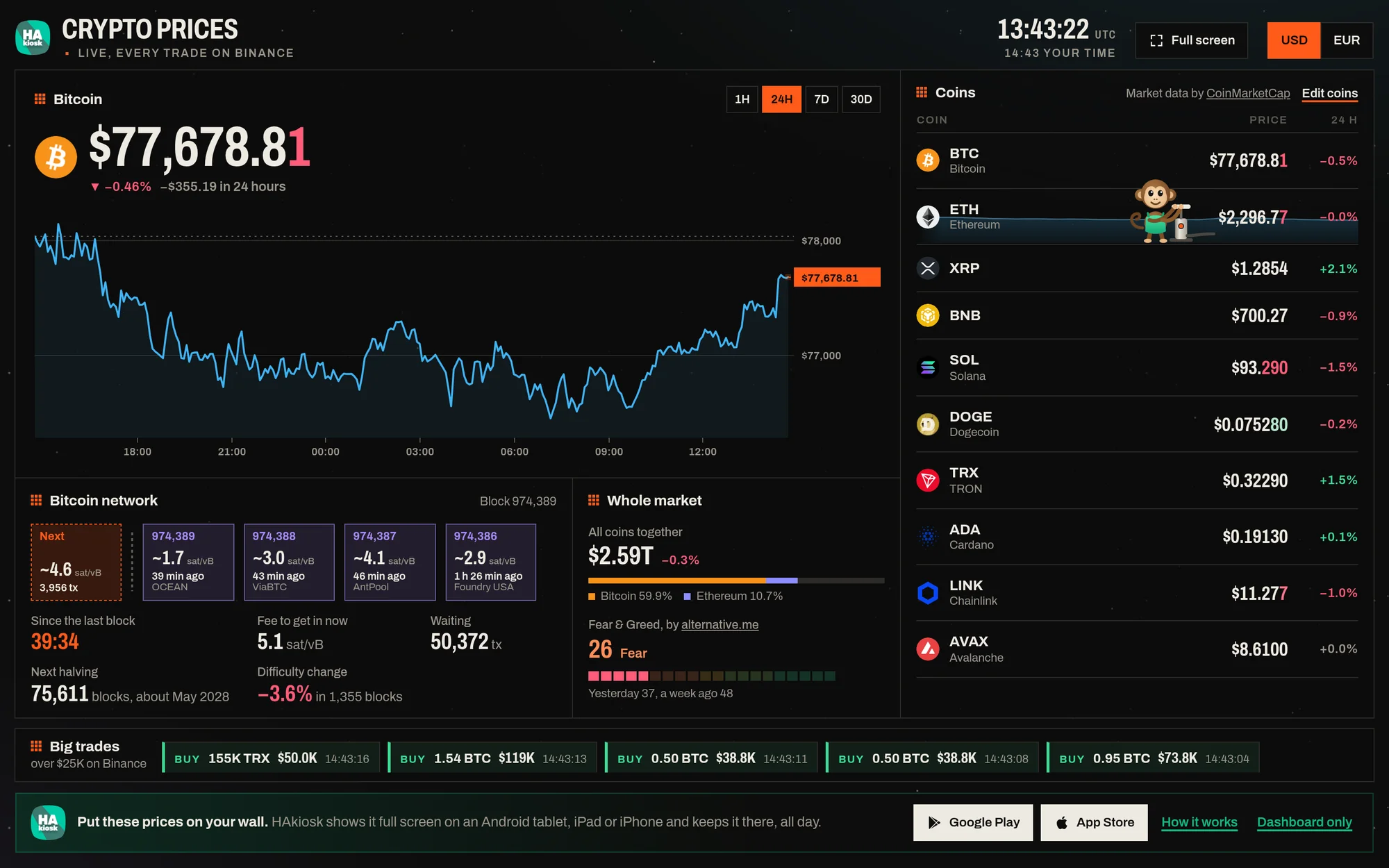
Bitcoin, Ethereum and the coins you choose, priced from every trade on Binance, with the Bitcoin network, the whole market, the big trades as they happen, and a monkey who pumps the coin that is rising fastest.
Every rocket launch in the world
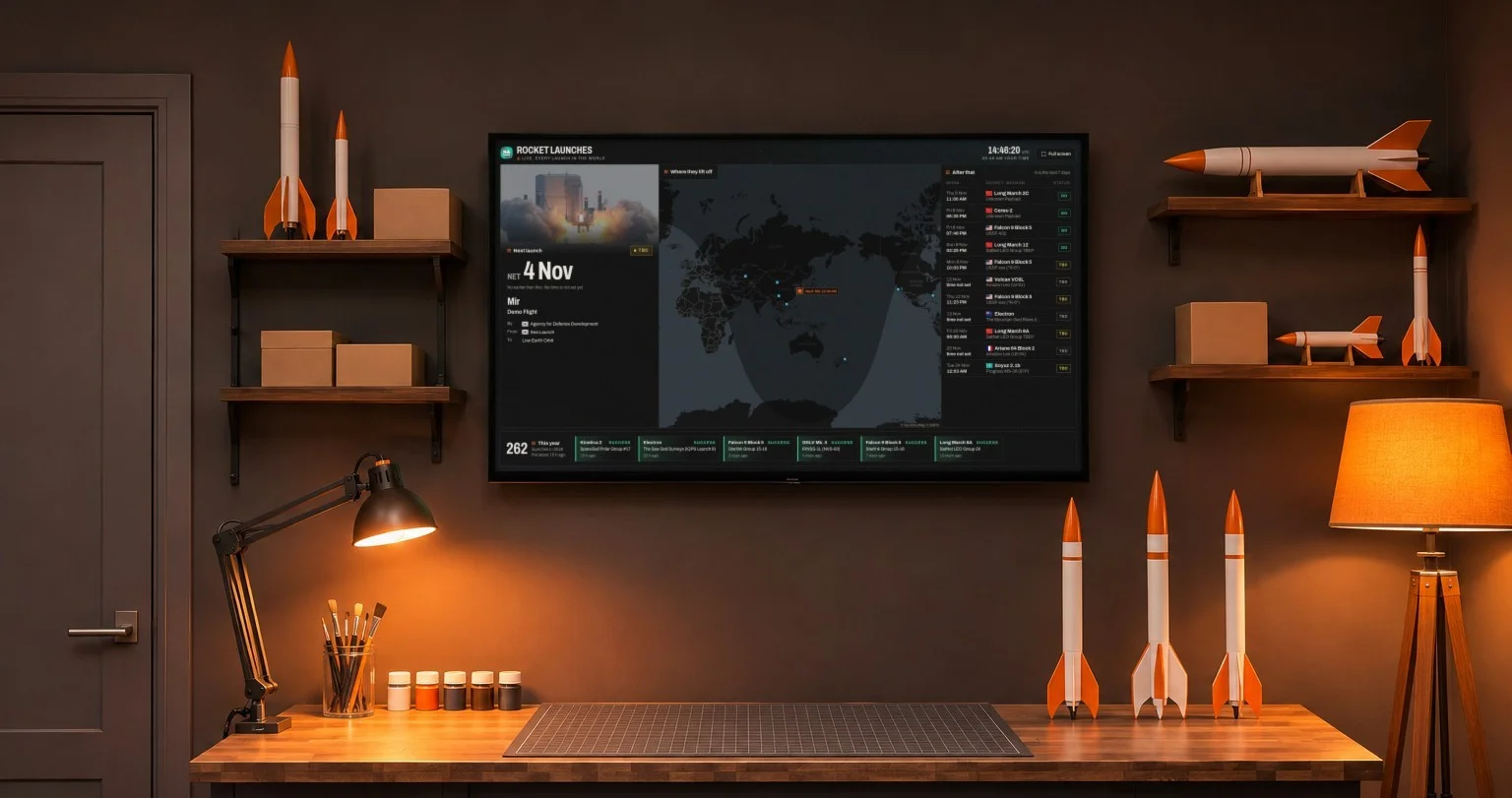
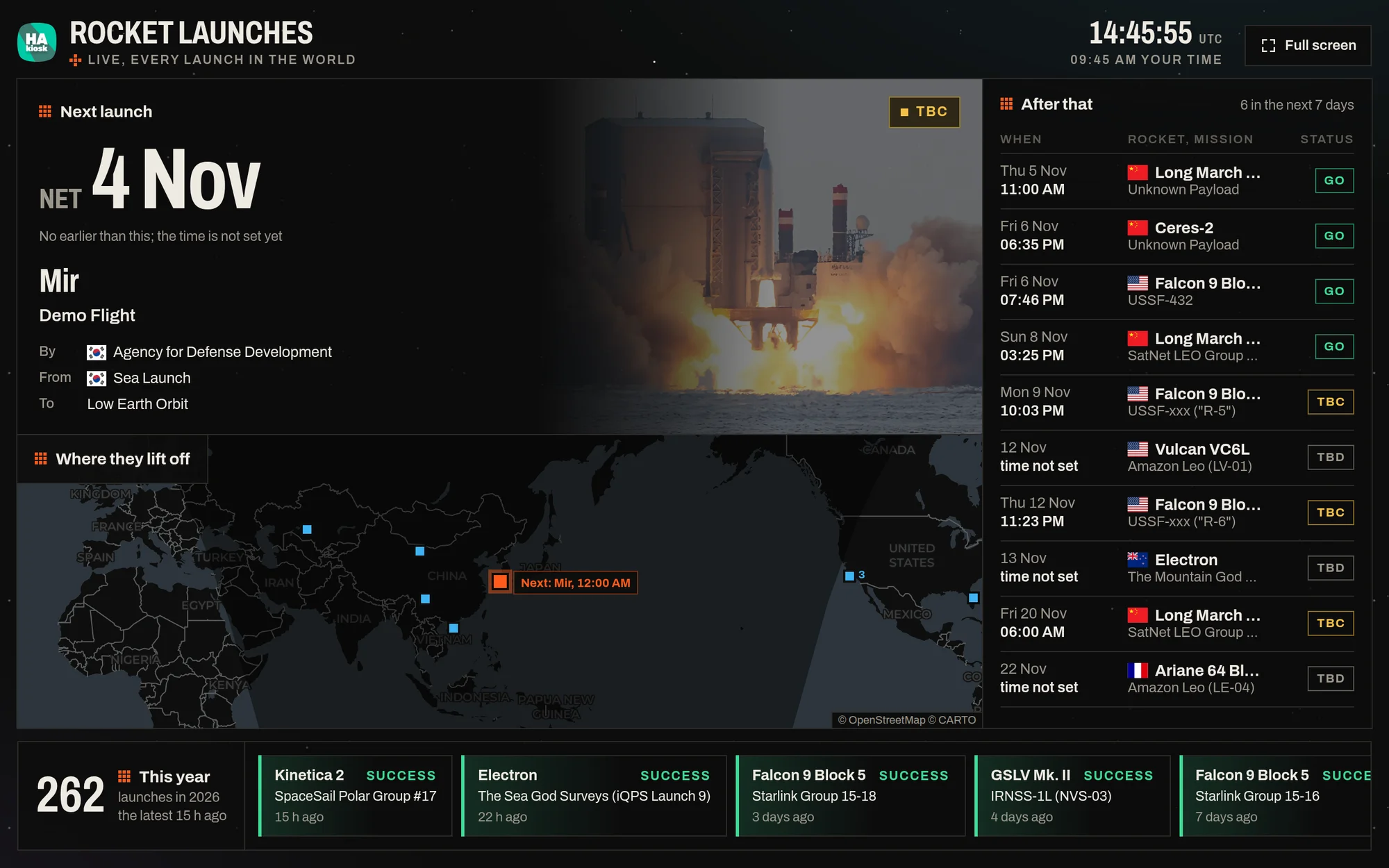
The countdown to the next launch with the rocket, the mission and the pad, the launch stream when there is one, the pads on a world map, the timetable of the coming days and this year's tally.
Open the rocket launches dashboard
Made to run all day
All four follow the same rules, so any of them can run on a wall all day.
- One screen. On a landscape or portrait tablet and on a 1080p TV, everything fits without scrolling, and the layout changes with the screen rather than shrinking it.
- Readable from across the room. Large numbers, dark backgrounds that suit a room at night, and the information that matters most at the top.
- Light on the device. They move where something changed, and stay still where nothing did, so a tablet that shows them all day stays smooth.
- Free, with no sign-up. No account, no key to enter. The data comes from open and public sources, credited on each page.
- A place in the address. Your town, your coins or your clock style can go into the address once, so a screen that nobody touches always opens the way you set it.
Put one on your wall
- Install HAkiosk on an Android tablet from Google Play, or on an iPad or iPhone from the App Store. HAkiosk shows one web page full screen and keeps it there.
- Give it the dashboard's address. Inside HAkiosk the page shows the dashboard alone.
- Mount the tablet where you will see it, and plug it in.
On a TV or a laptop, open the page and press Full screen. In another kiosk browser, add kiosk=1 to the address. And if your wall tablet already shows Home Assistant, add the address in a Webpage card, so the dashboard sits beside your lights and heating.
More dashboards are on the way.