Upcoming Rocket Launches, Live on Your Wall: a Free Countdown Dashboard
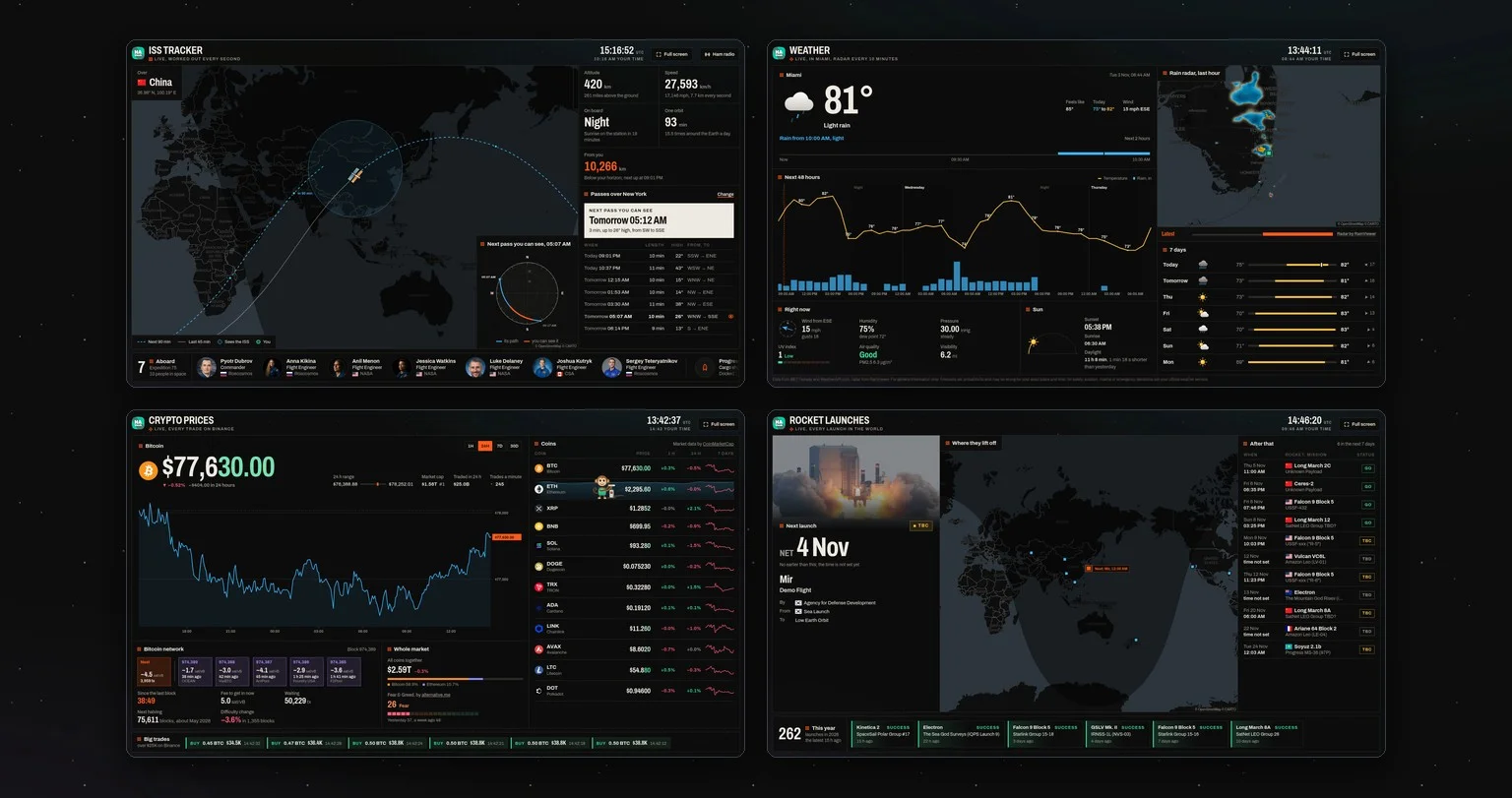
By the first days of November 2026, rockets had lifted off 262 times that year around the world, almost one a day. Put this dashboard on a screen and you will see every one of them coming: www.hakiosk.com/dashboard/launches.
It is free, needs no sign-up, and is made to run all day on a wall tablet or a TV.
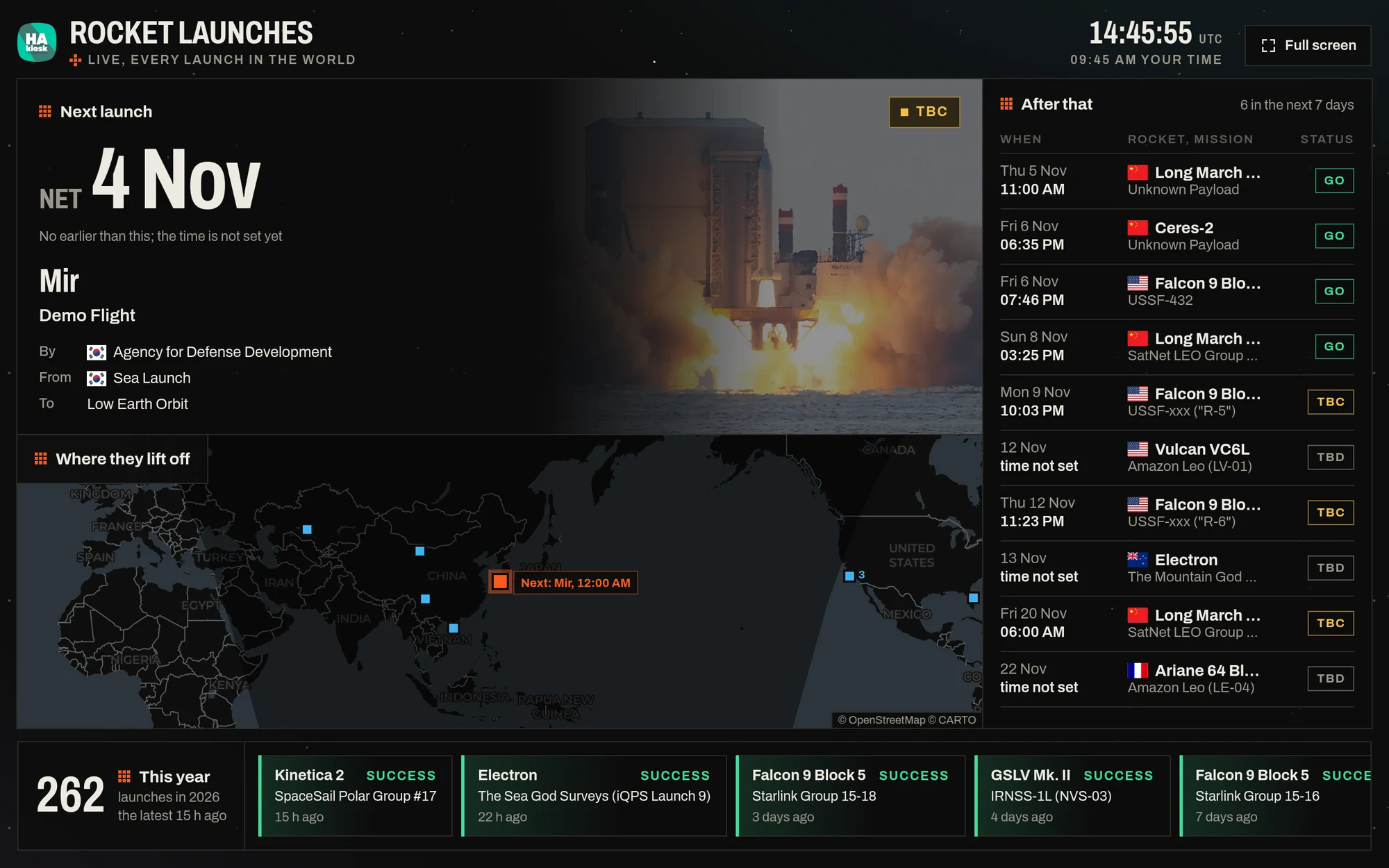
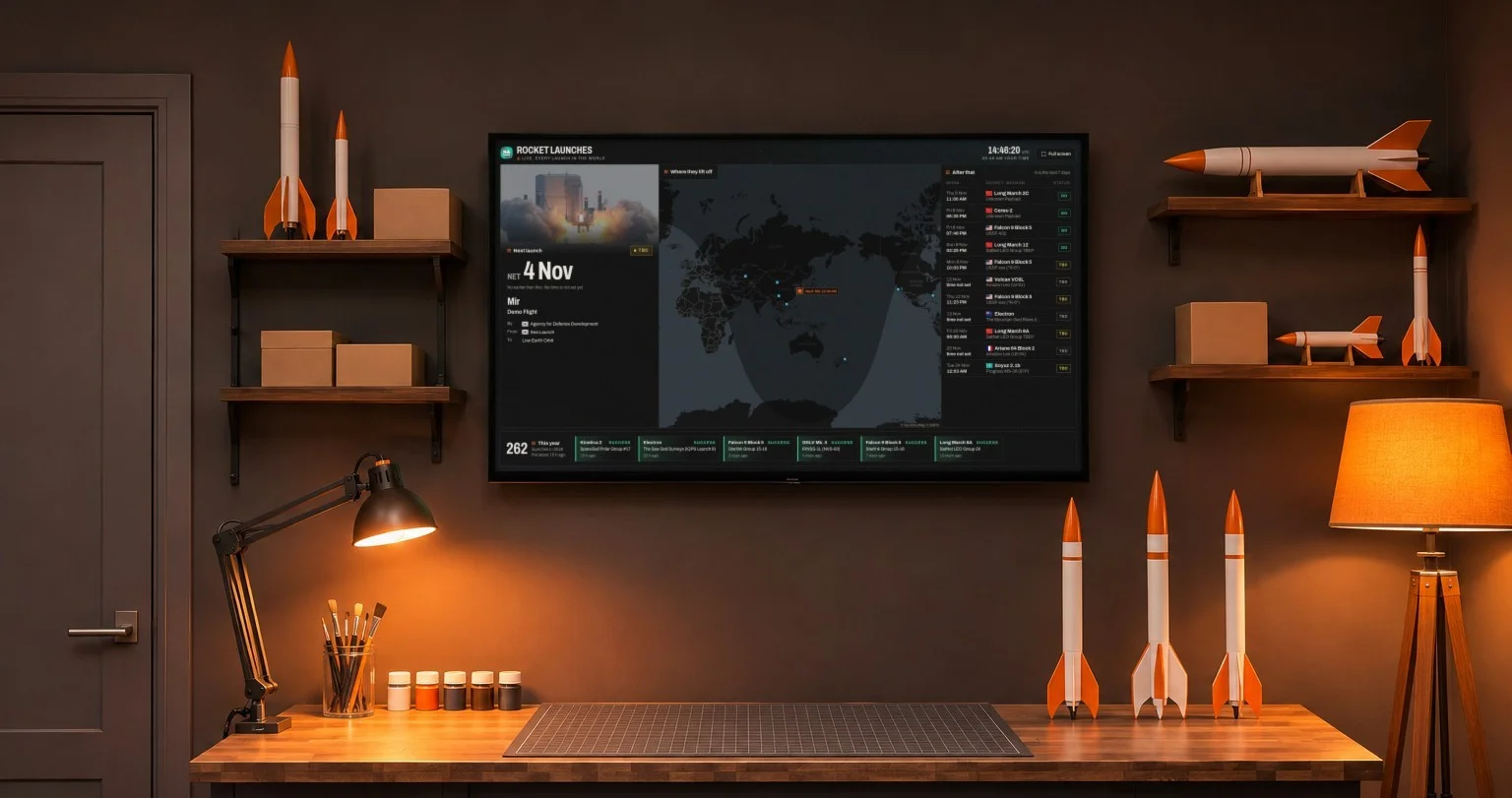
What is on the screen
- The next launch. A countdown to lift-off, ticking by the second once the time is set to the minute, then counting up after T-0. The rocket and its mission, who launches it and from where, the launch window, the orbit it is going to, a photo of the rocket and a short description of the mission. Until a launch has an exact time, it shows the date it can go no earlier than.
- Where they lift off. A world map with a square on every launch pad that has a launch coming, with day and night shaded on the planet. The next pad blinks and names the rocket and its time.
- After that. The launches of the next days as a timetable: when, which rocket and mission, and its status, from Go to TBD.
- This year. How many launches there have been so far this year, and the latest ones with how they went.
Times are shown in your own time zone, next to the UTC clock at the top.
Watch the launch itself
When a launch is streamed on YouTube, the dashboard plays the stream in the next-launch panel, muted, from shortly before lift-off until after it, on the same screen that counted down to it.
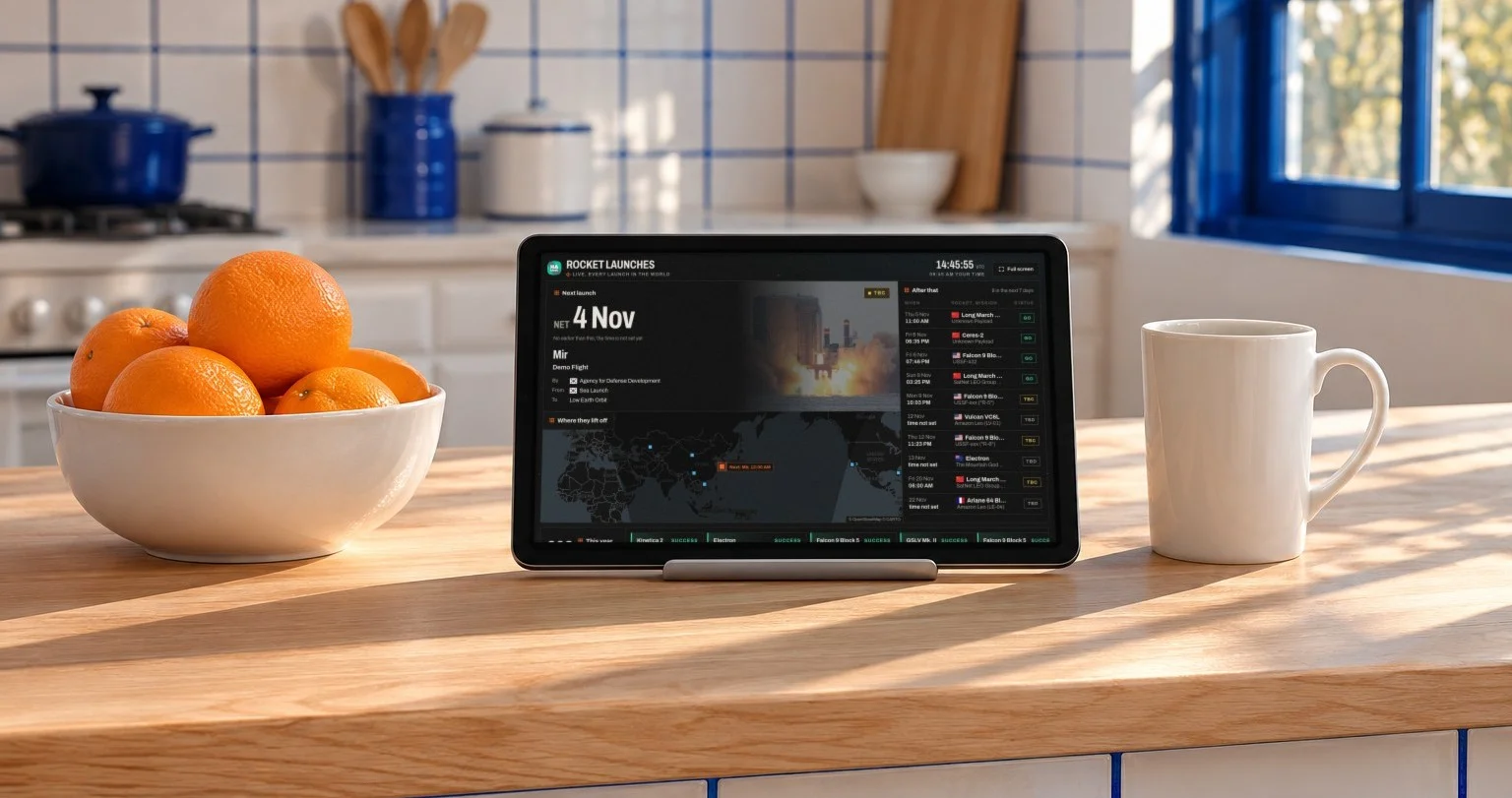
Put it on your wall
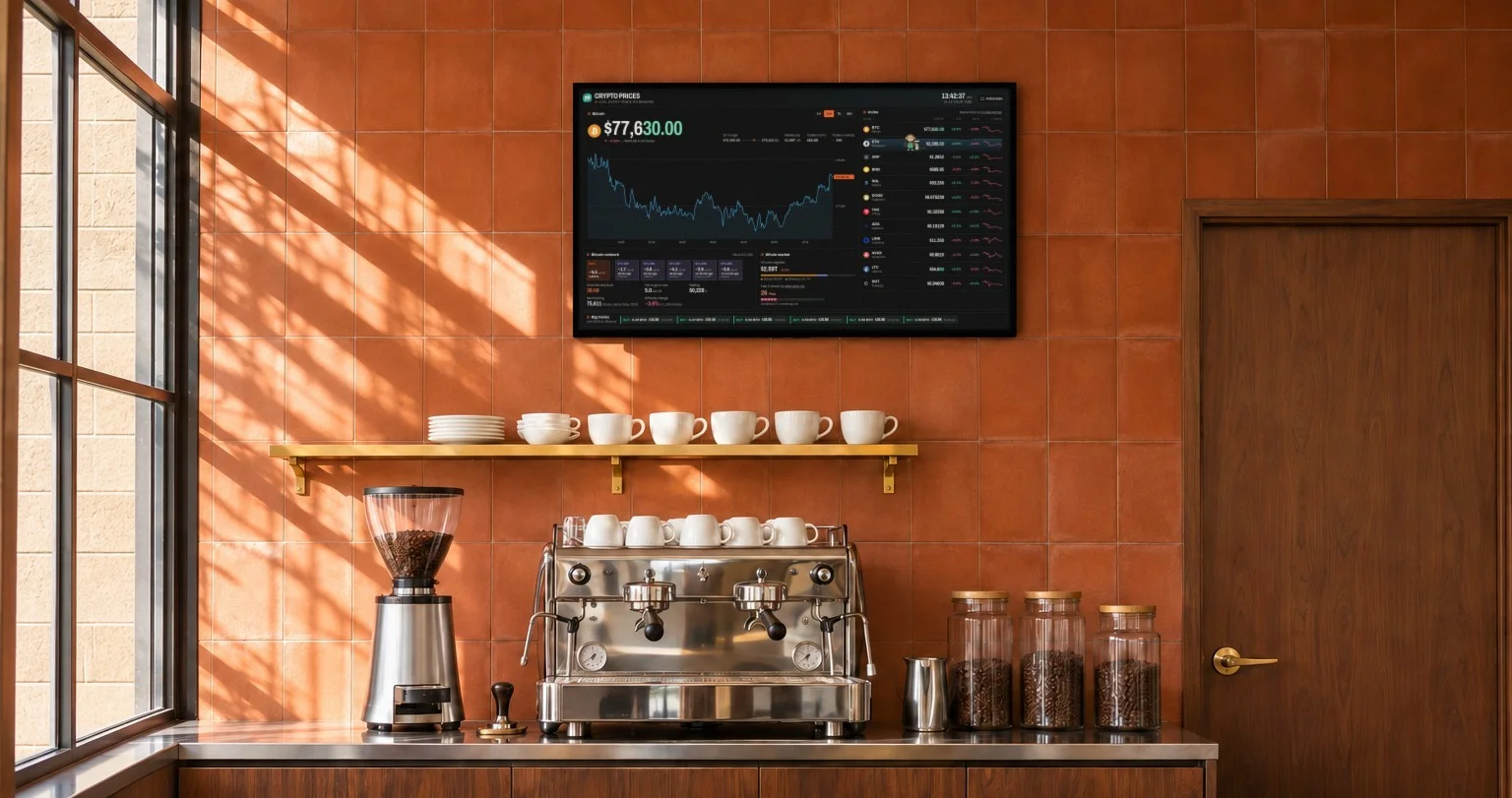
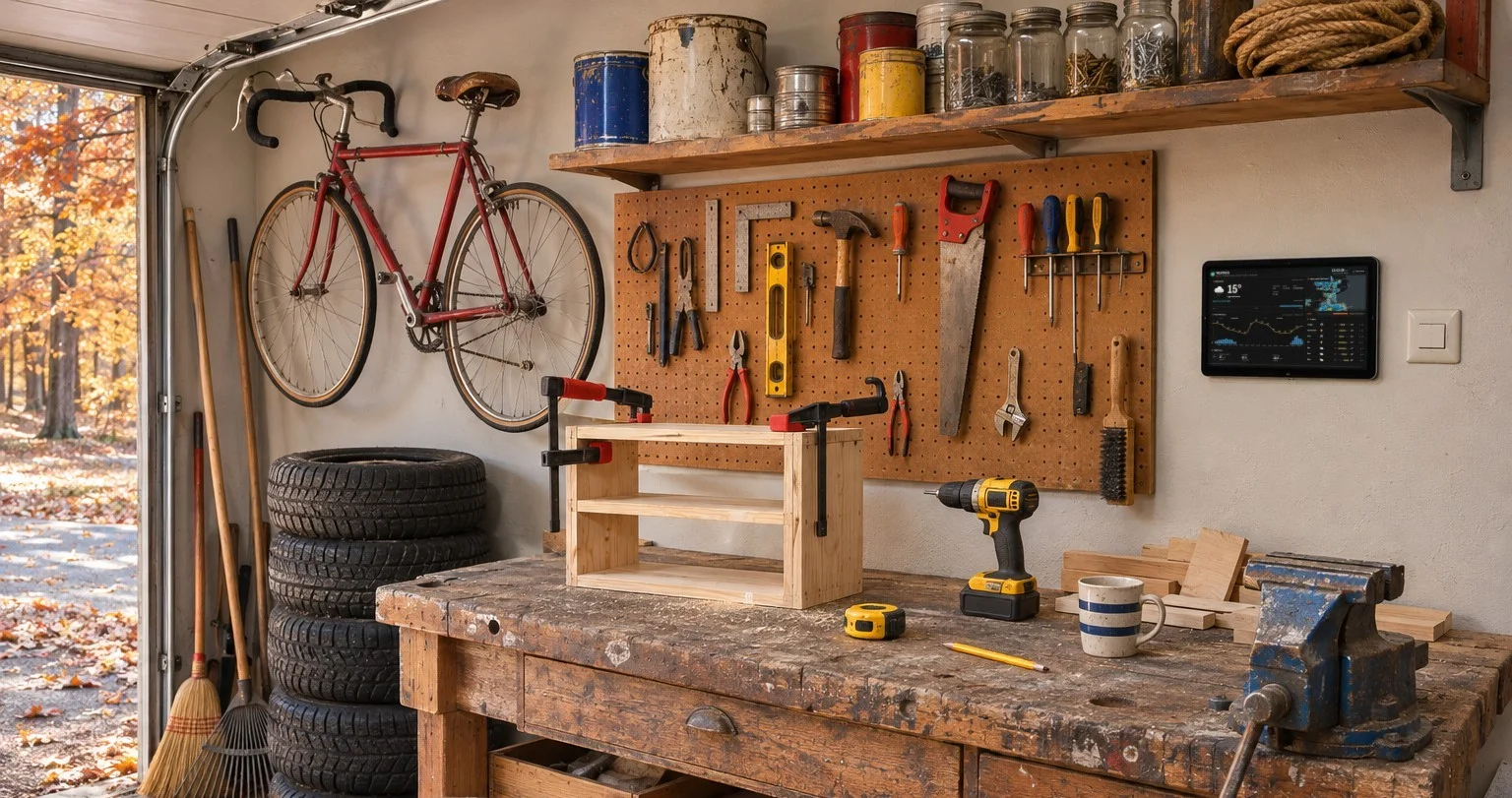
- Install HAkiosk on an Android tablet from Google Play, or on an iPad or iPhone from the App Store. HAkiosk shows one web page full screen and keeps it there.
- Give it the address
https://www.hakiosk.com/dashboard/launches?kiosk=1. - Mount the tablet where you will see it, and plug it in.
On a TV or a laptop, press Full screen at the top, and the mouse pointer hides by itself after a few seconds. The layout fits the screen it is on: a landscape tablet, a portrait tablet and a 1080p TV each get the whole dashboard on one screen, and a wide screen shows it in three columns. Add clock=12 or clock=24 to the address to choose the clock.
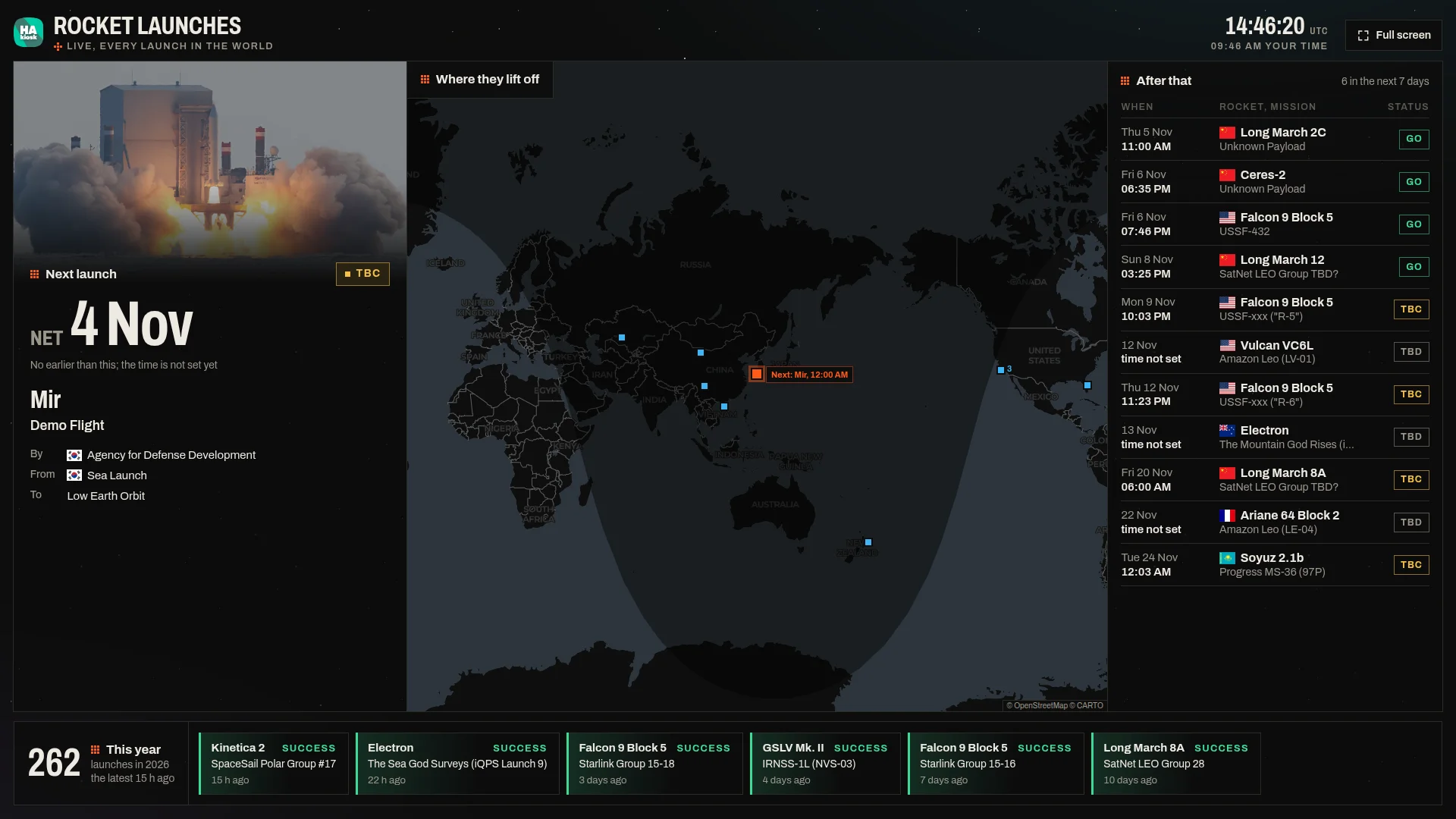
Already showing a Home Assistant dashboard? Add the same address in a Webpage card, and the next launch sits beside your lights and heating.
Where the launches come from
The schedule, the rocket photos and the mission details come from Launch Library 2 by The Space Devs, an open database of the world's launches that follows every change of date and status. The dashboard checks it every 15 minutes. The map is from OpenStreetMap and CARTO.
Open the rocket launches dashboard. It is free, with no sign-up.