A Free Weather Dashboard with Rain Radar for Your Wall Tablet
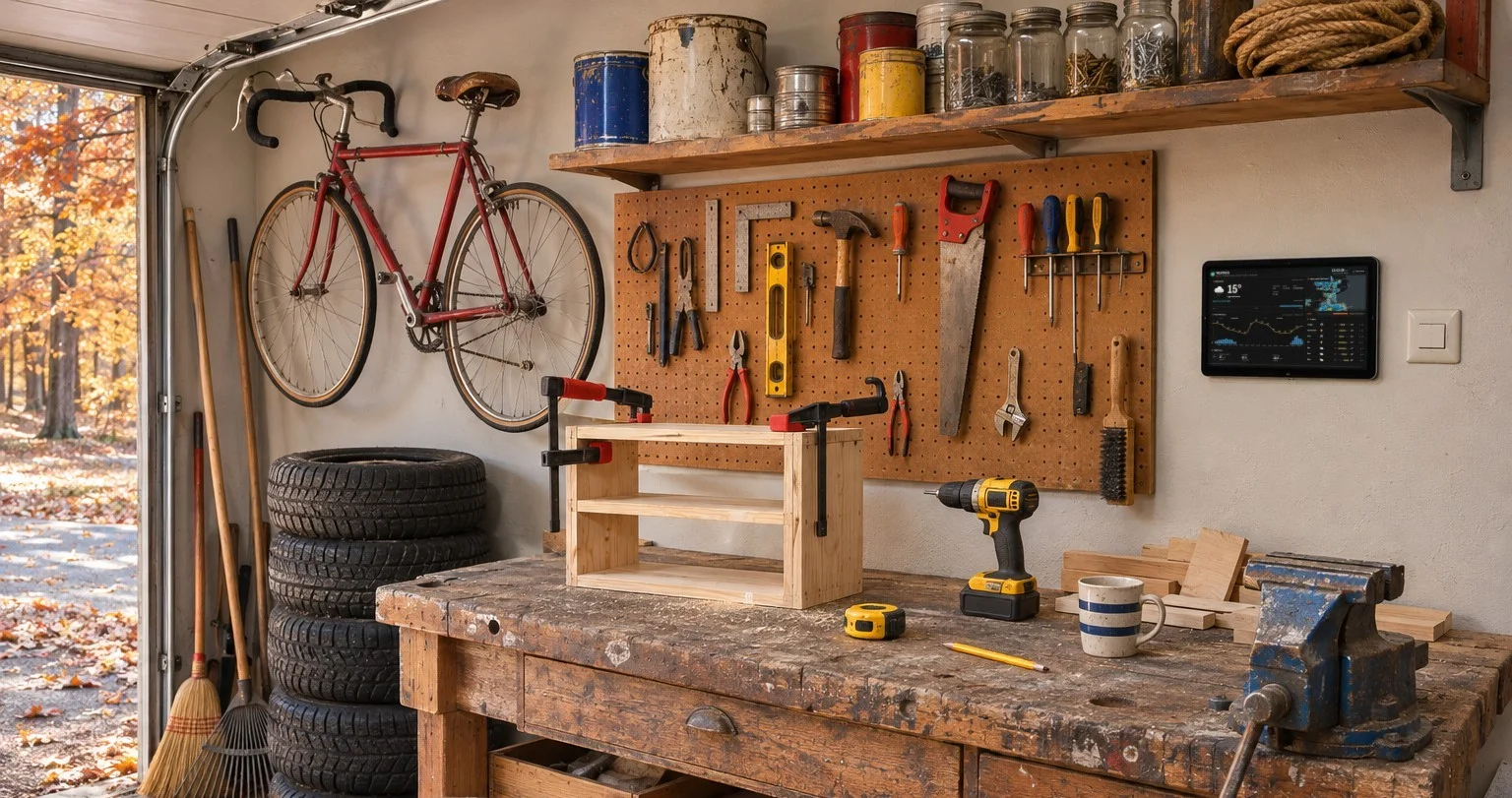
A weather forecast is most useful where you decide what to take with you: on the wall by the front door, or in the garage before the bike comes out.
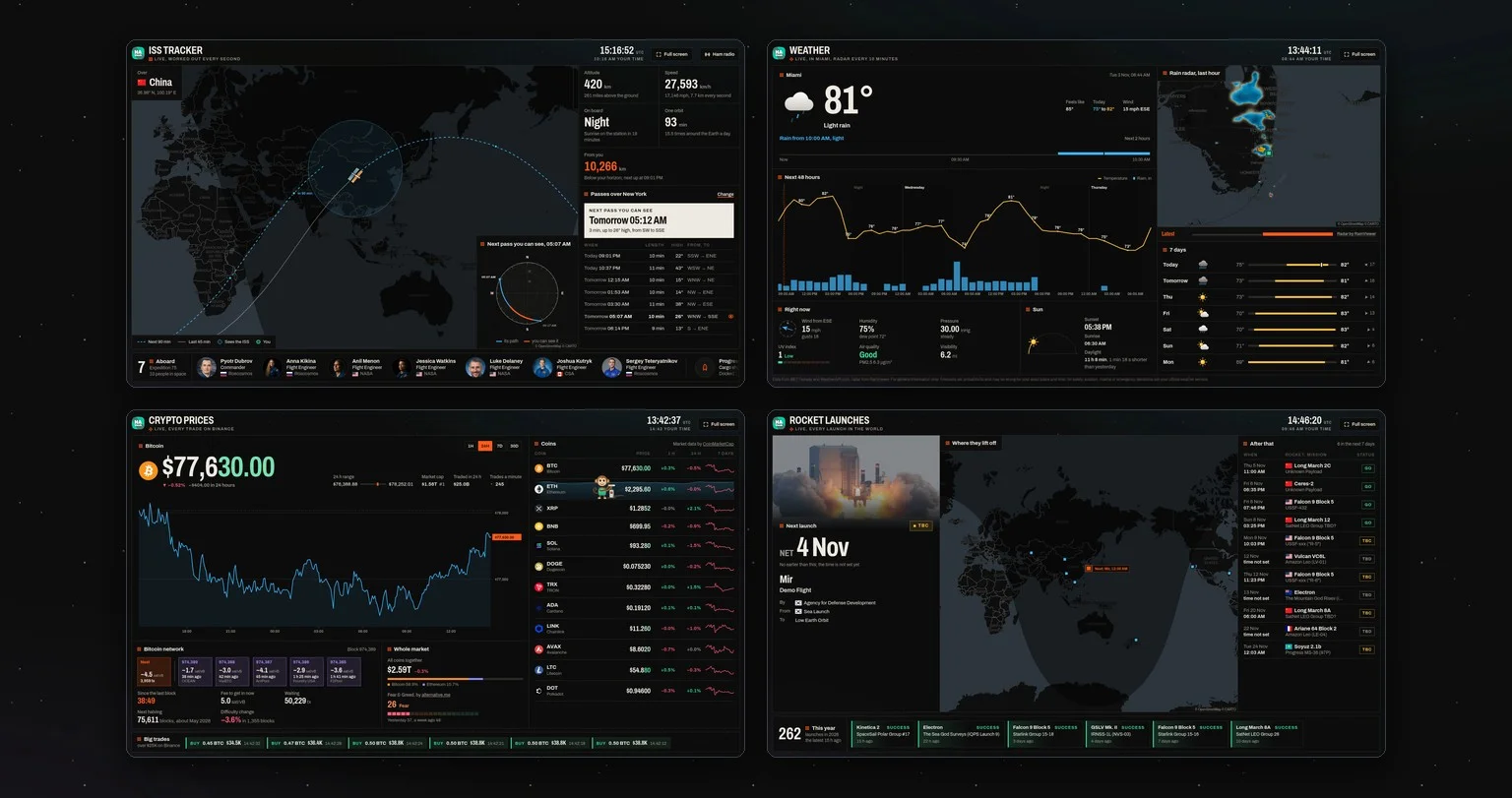
We built a free weather dashboard for screens like these: www.hakiosk.com/dashboard/weather. It shows everything on one screen, readable from across the room, and keeps itself up to date.
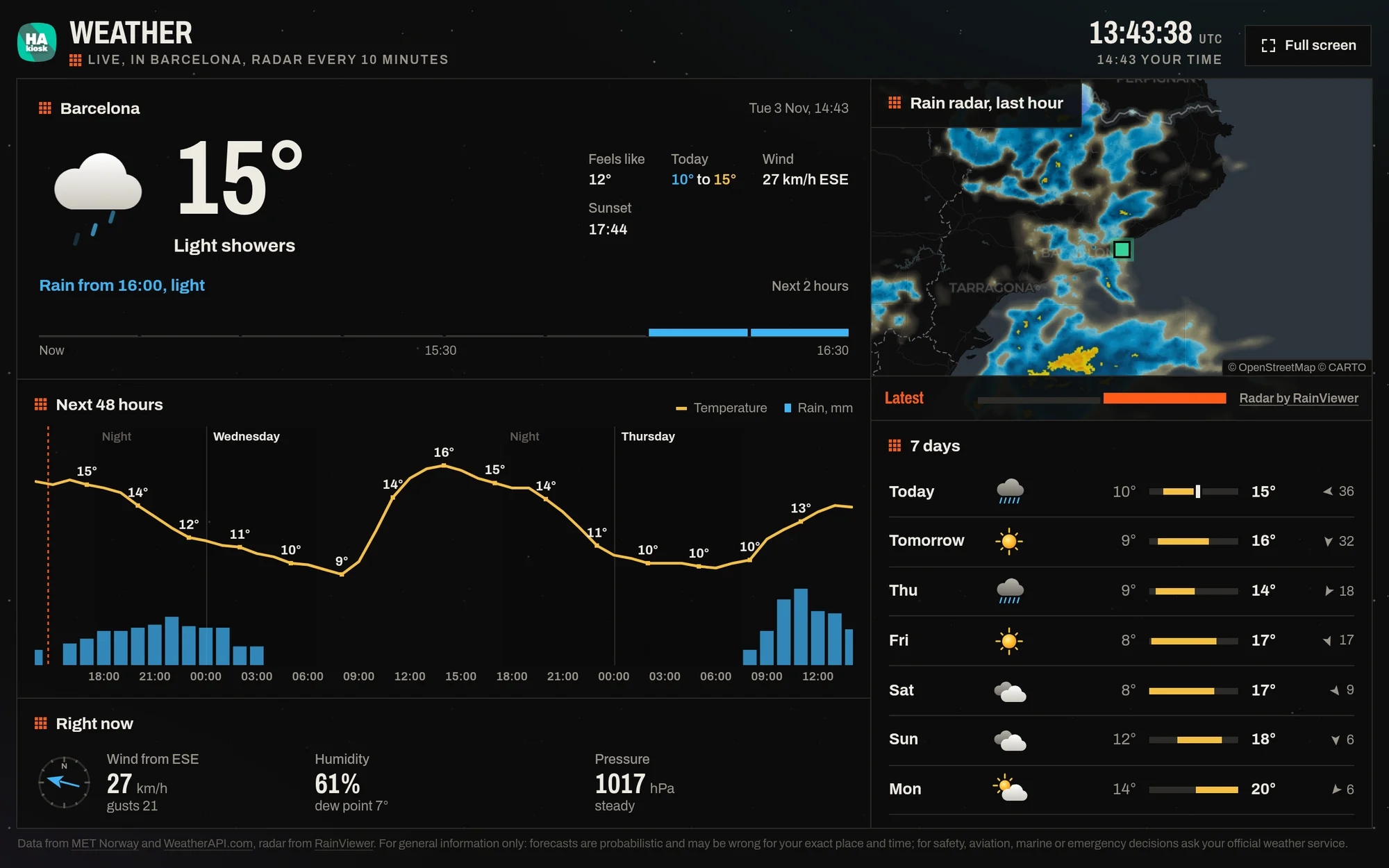
What is on the screen
- Now. The temperature, what it feels like, today's low and high, the wind and the next sunset or sunrise, with the sky drawn as it is.
- The next two hours. Bars in 15-minute steps and a sentence that says it in words, such as "Rain from 16:00, light" or "Dry for the next 2 hours".
- The rain radar. The last hour of rain moving across the map around you, from RainViewer, with a new picture every 10 minutes. You can watch a shower coming.
- The next 48 hours. The temperature as a line and the rain as bars, with night and day marked.
- Seven days. Each day's sky, its low and high on one scale, and the wind.
- Right now in detail. Wind and gusts with the direction, humidity and dew point, pressure and where it goes in the next three hours, the UV index, the air quality and how far you can see.
- The sun. Sunrise, sunset and how much daylight there is today, and how much more or less than yesterday.
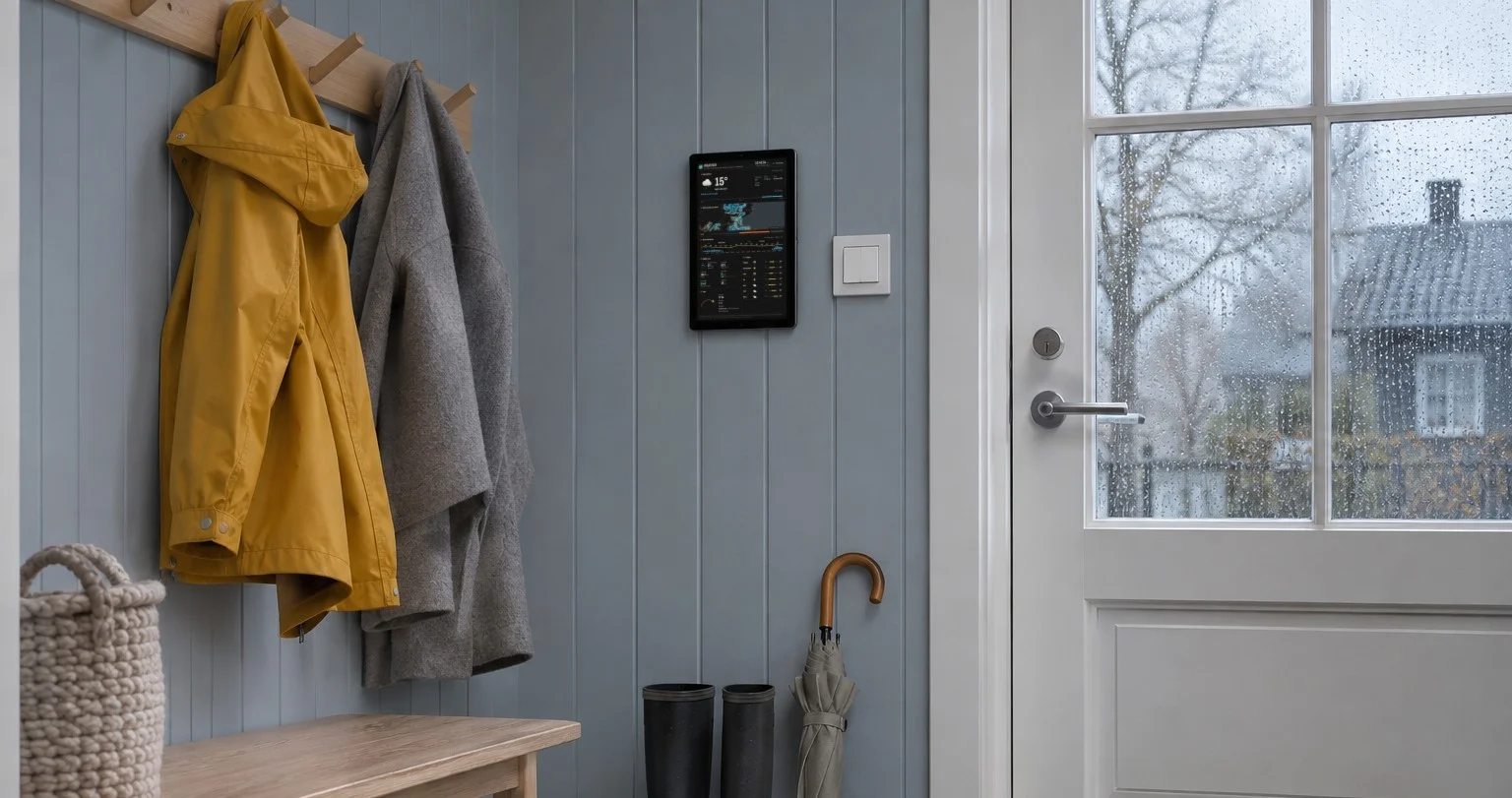
Your place, your units
The dashboard starts with the city of your time zone, in °F in the United States and °C elsewhere. Press Change place to use your location or search for any town, and to switch between °C and °F. For a screen that nobody touches, put the place in the address once:
https://www.hakiosk.com/dashboard/weather?lat=59.44&lon=24.75&place=Tallinn
Add &units=imperial for °F and miles per hour.
Put it on your wall
- Install HAkiosk on an Android tablet from Google Play, or on an iPad or iPhone from the App Store. HAkiosk shows one web page full screen and keeps it there.
- Give it the dashboard's address with your place in it.
- Mount the tablet where you will see it, and plug it in.
On a TV or a laptop, press Full screen at the top. In any other kiosk browser, add kiosk=1 to the address. The layout fits the screen it is on: a landscape or portrait tablet and a 1080p TV each get the whole dashboard on one screen, and a phone scrolls through it.
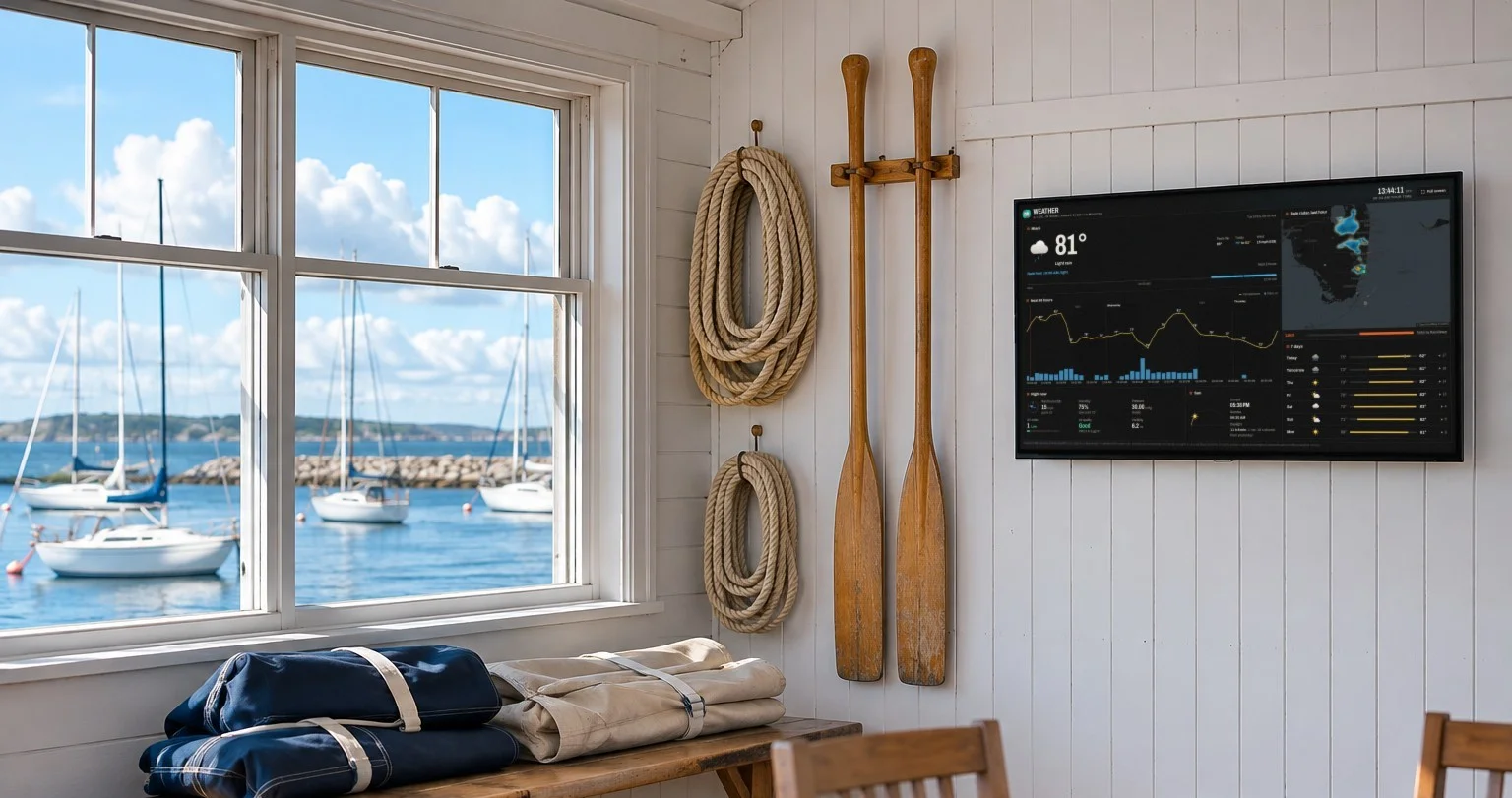
Already showing a Home Assistant dashboard on your tablet? Add the same address in a Webpage card.
Where the forecast comes from
The forecast is from MET Norway, the Norwegian Meteorological Institute, which forecasts the whole world: hour by hour for the next two and a half days, then every six hours further ahead. In the Nordic countries, the next two hours come from its rain radar. The weather now, the UV index, visibility and air quality are from WeatherAPI.com, and the radar from RainViewer. The dashboard asks again every 10 minutes.
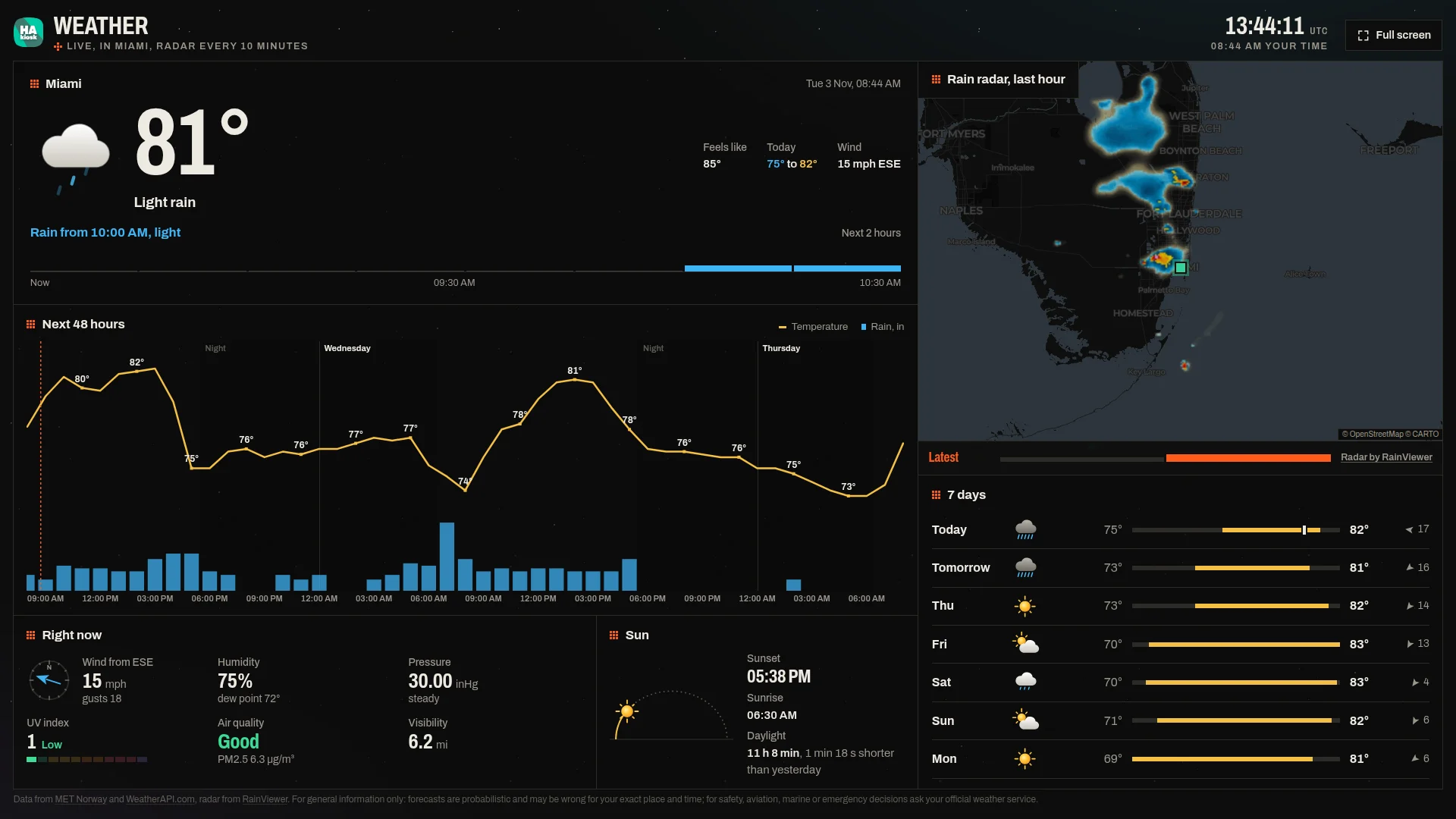
Open the weather dashboard. It is free, with no sign-up.