HAkiosk 1.7: Ready-Made Dashboards, Now on iPhone Duo
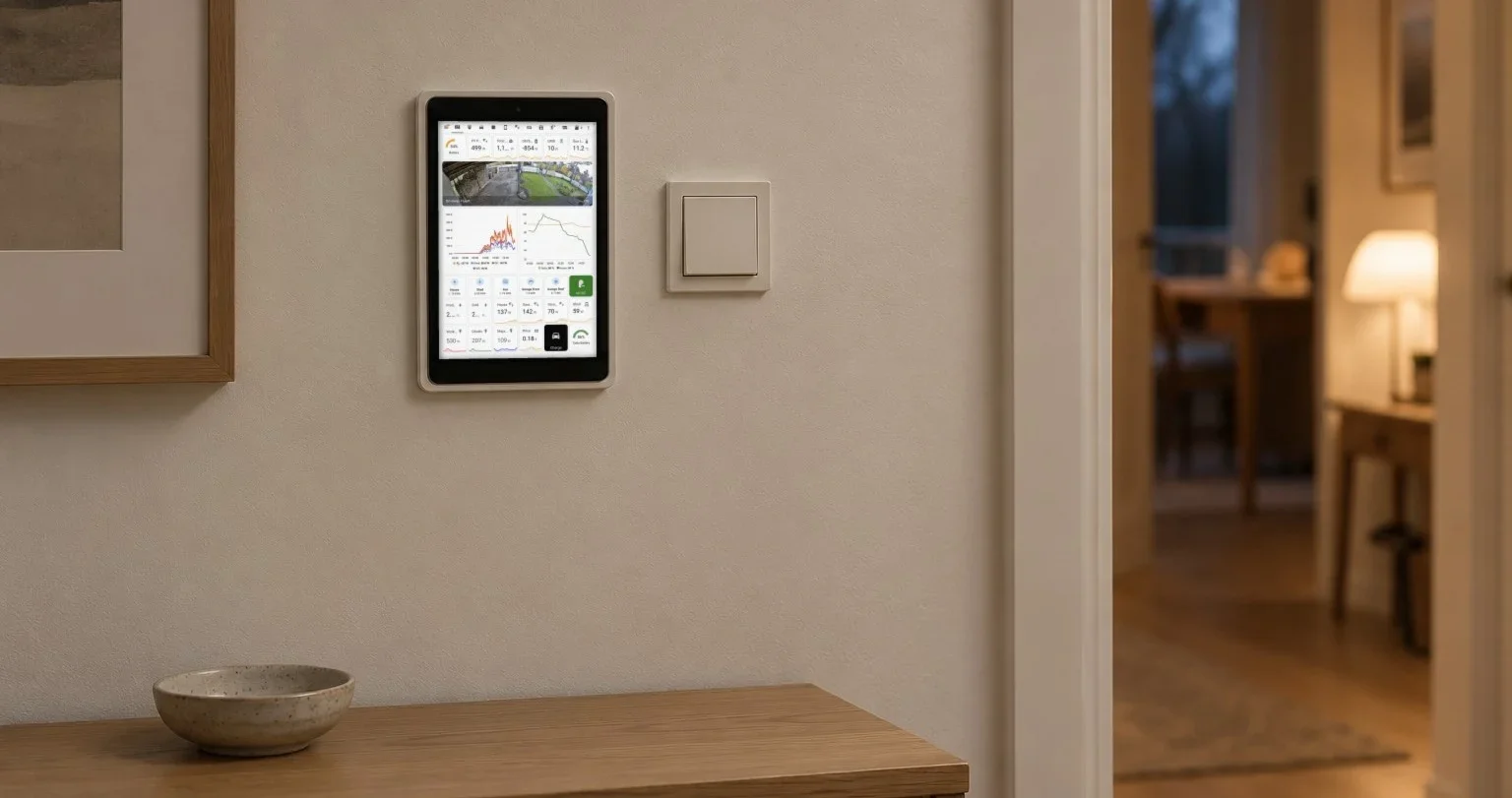
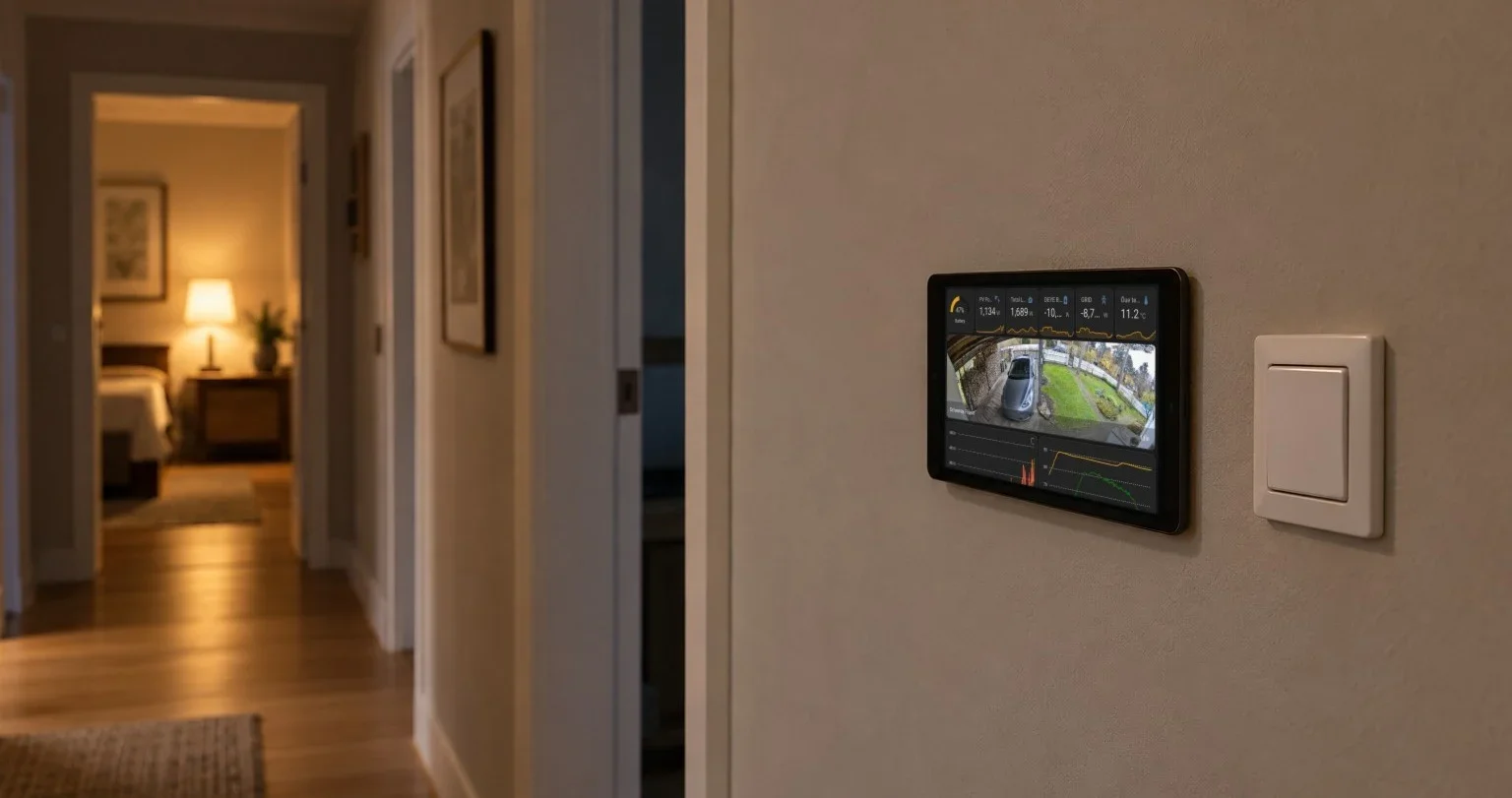
Until now, a fresh HAkiosk opened on an empty screen and waited for you to type an address. If you run Home Assistant, that was fine. If you had just screwed a tablet to the wall to see what it could do, you were looking at a very well mounted blank page.
Version 1.7 asks a question instead: what should this screen show?
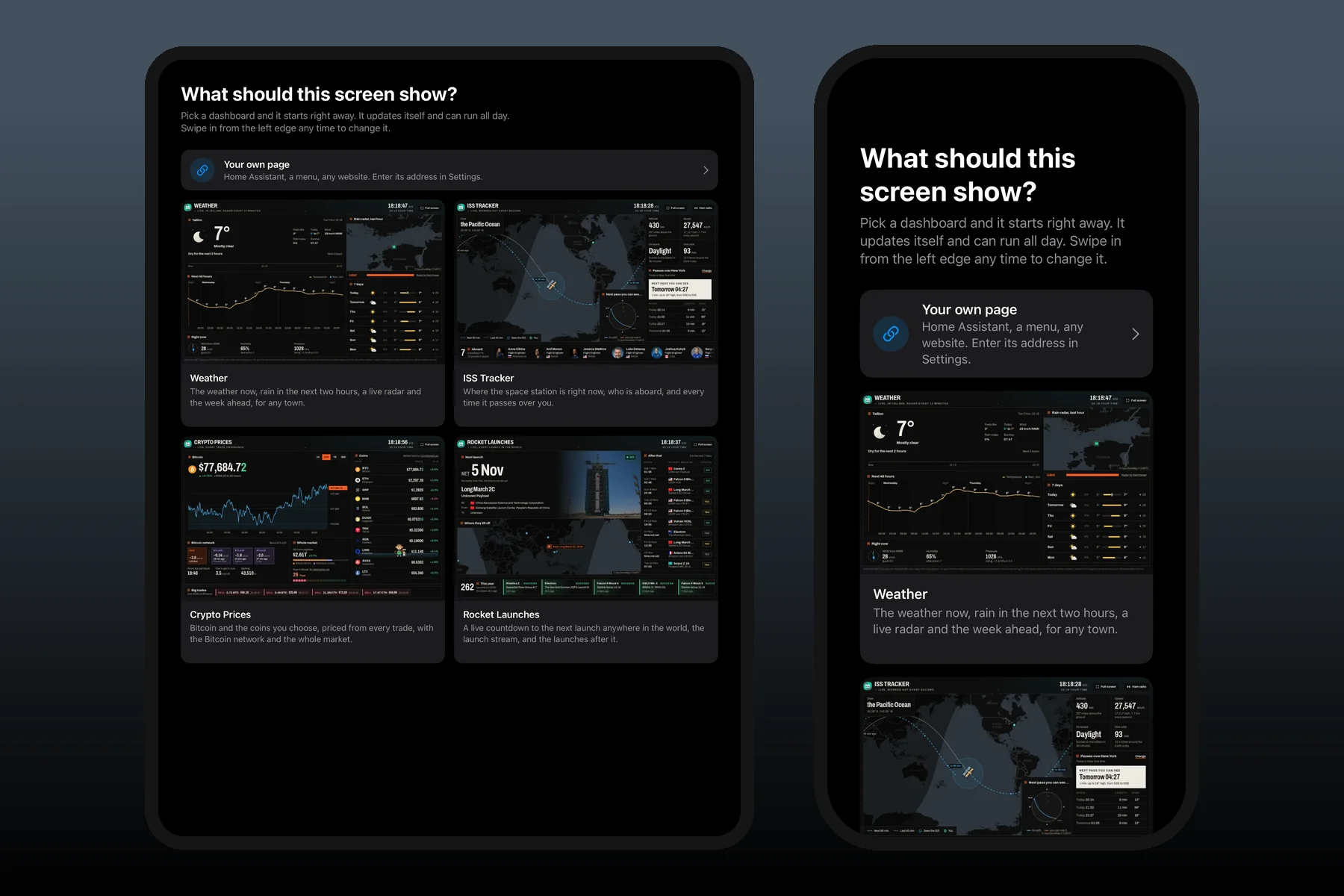
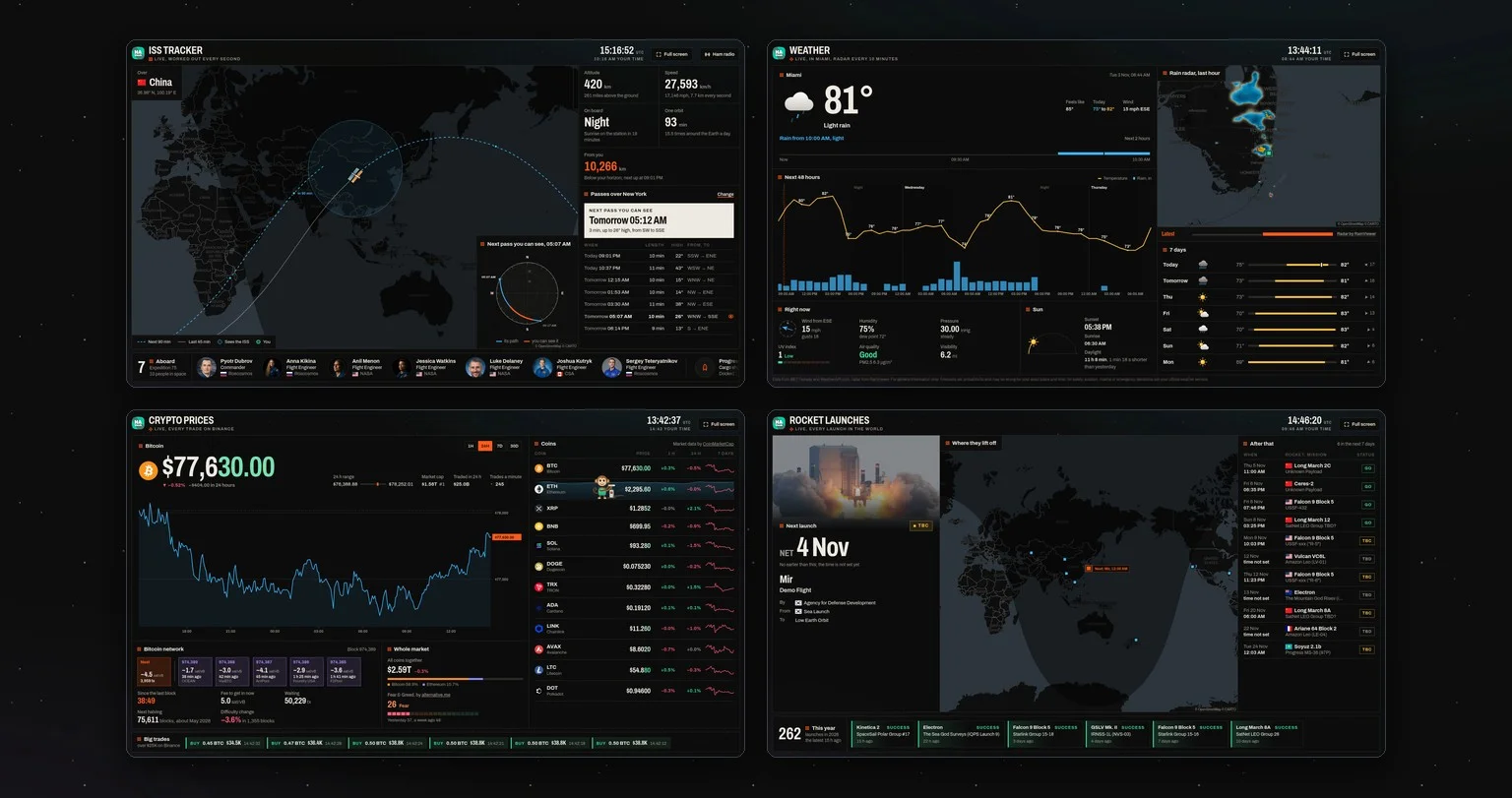
Tap Weather, ISS Tracker, Crypto Prices or Rocket Launches and the tablet is doing its job. They are free, they update themselves, and there is nothing to sign up for. When we add a new dashboard, it appears in the app without an update. You can see all of them here.
Your own page comes first, though. It sits above the cards, because Home Assistant is why most of you are here. If you already have a page set, the same dashboards are at the top of Settings.
Then there were the bars. People wrote to me about white bars down the sides of their dashboards, and they were right. It was ten points of padding I had put there long ago, and nothing needed it. It is gone, and so is the strip iOS kept free at the bottom for the home bar. Every page now runs to the very edge of the screen.
And then Apple made an iPhone that folds.
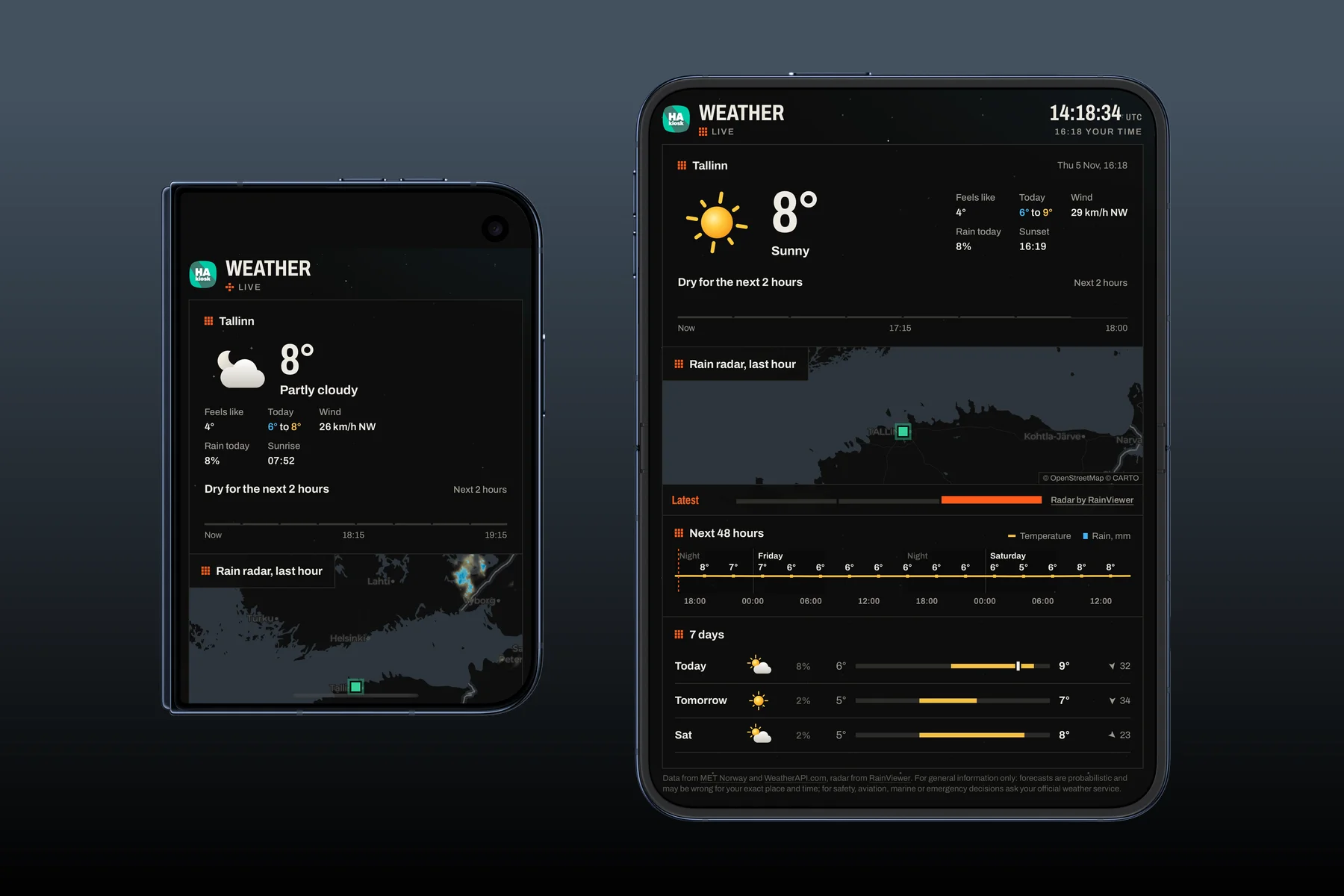
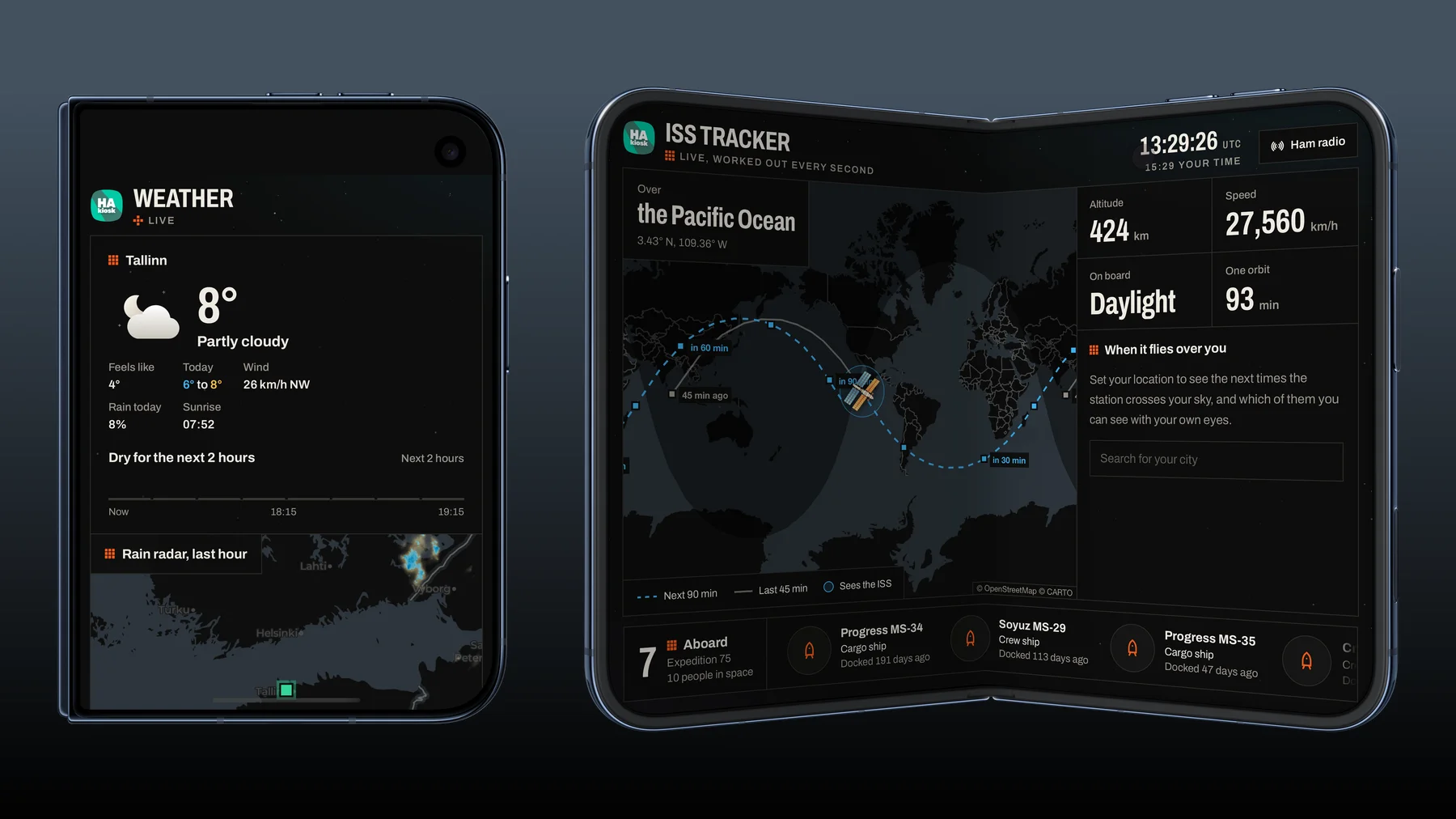
HAkiosk 1.7 is ready for iPhone Duo. Fold it and your page moves to the outer screen. Open it and the page fills the inner one. On the outer screen it takes the full width and starts just below the camera, so nothing hides behind it.
Half open, it stands on a desk by itself, which is a very nice thing for a kiosk to do.
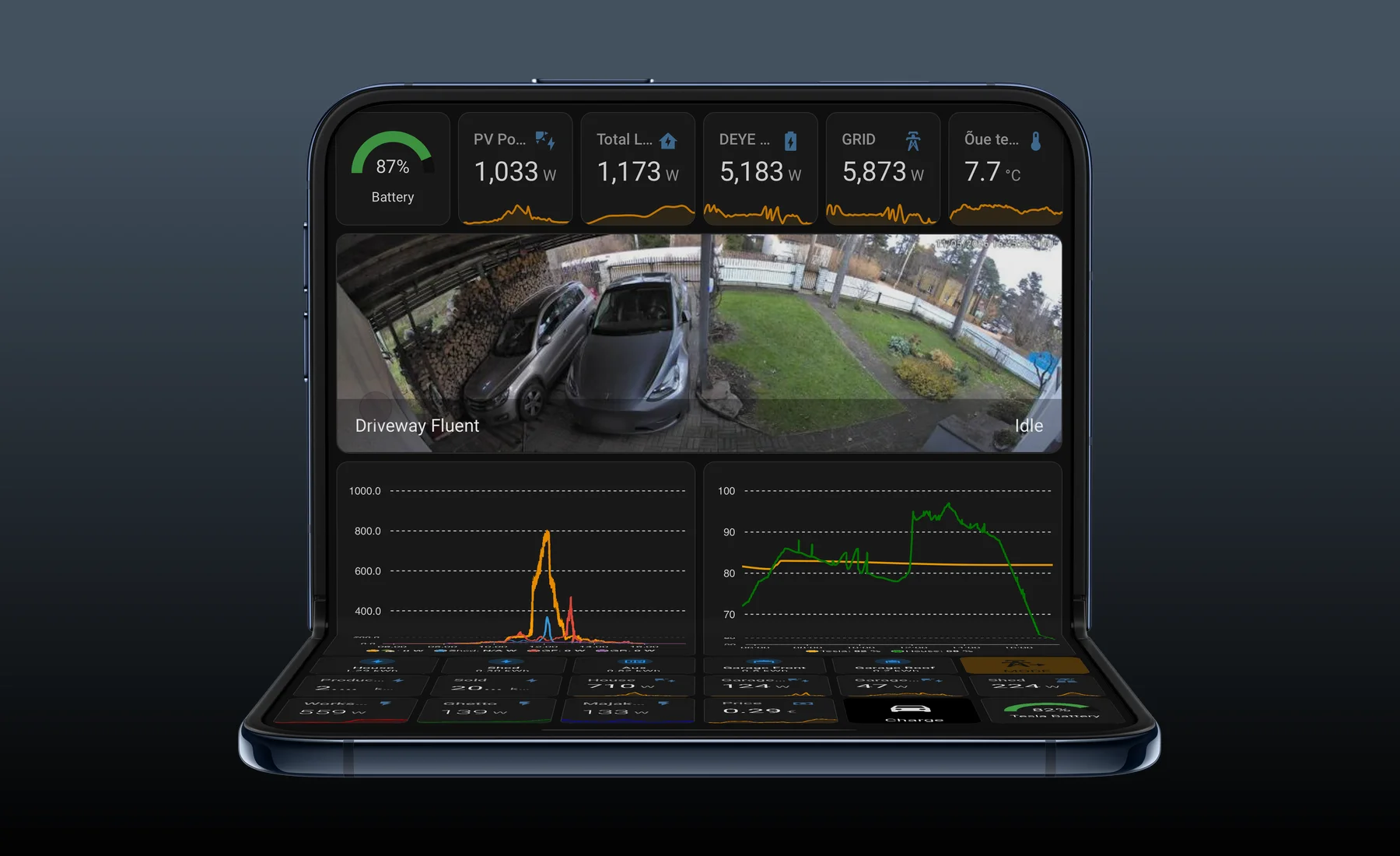
A few smaller things got better too:
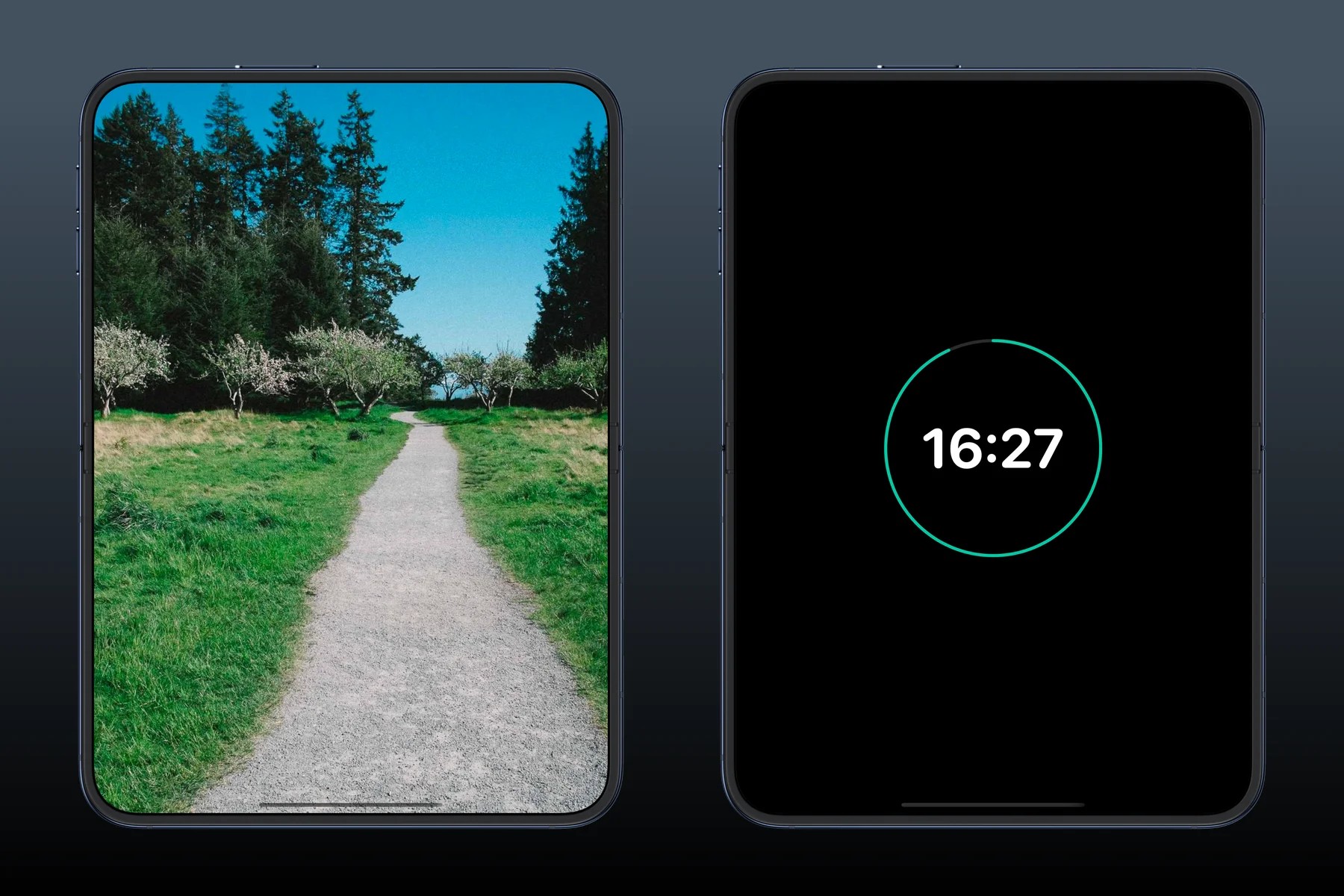
- The blank screensaver is now really black. A tap wakes it, and your own brightness comes back.
- If iOS ends a heavy page, say one with a lot of camera streams, it comes back on its own, and Settings shows how often that happened.
- Several tablets can share one MQTT broker without knocking each other off.
HAkiosk 1.7 is on the App Store. Update your tablet, and if you have a spare one in a drawer, give it a wall.