A Free Live ISS Tracker for Your Wall Tablet
On 2 November 2000 the first crew moved into the International Space Station, and people have lived up there ever since. It goes around the Earth every 92 minutes, about 420 km up, and on a clear evening you can see it cross your sky like a bright, steady star.
We built a free dashboard that follows it live: www.hakiosk.com/dashboard/iss. Open it in a browser, or put it on a tablet on your wall and leave it there.
What is on the screen
- Where it is now. The station moves across the map every second, with the country or ocean under it. The dashed blue line is where it flies in the next 90 minutes, marked every 15 minutes; the circle around it is the part of the Earth that can see it above the horizon. Your own place is the green dot.
- Day and night. The night side of the planet is shaded, and the panel says when the next sunrise or sunset on the station is. The crew sees about 16 of each every day.
- Its height and speed. About 420 km up and 27,600 km/h, worked out for the exact second you are looking.
- Who is aboard. The crew and the spacecraft docked to the station, with their roles and agencies. It updates on its own when a crew changes.
When you can see it yourself
Set your location once, and the dashboard lists every time the station crosses your sky in the next 10 days, in your own time zone. The passes marked with an eye are the ones you can see without a telescope: the station is still in sunlight while your sky is already dark, usually in the hours after sunset or before sunrise.
A sky chart draws the next pass across your sky in blue, from where it appears to where it fades, with the part you can see in orange. While a pass is on, a ringed orange dot shows where to look.
For radio amateurs
Radio amateurs talk to the ISS crew and use its crossband repeater. Switch on Ham radio and a pass quality panel rates each pass by how high the station climbs, from low to excellent, and counts down to the next one; every pass in the timetable carries the same rating. During the pass it shows where to point the antenna and how far away the station is. It also shows the listen and transmit frequencies with the Doppler shift already worked out, for voice and the repeater, in your ITU region.
Put it on your wall
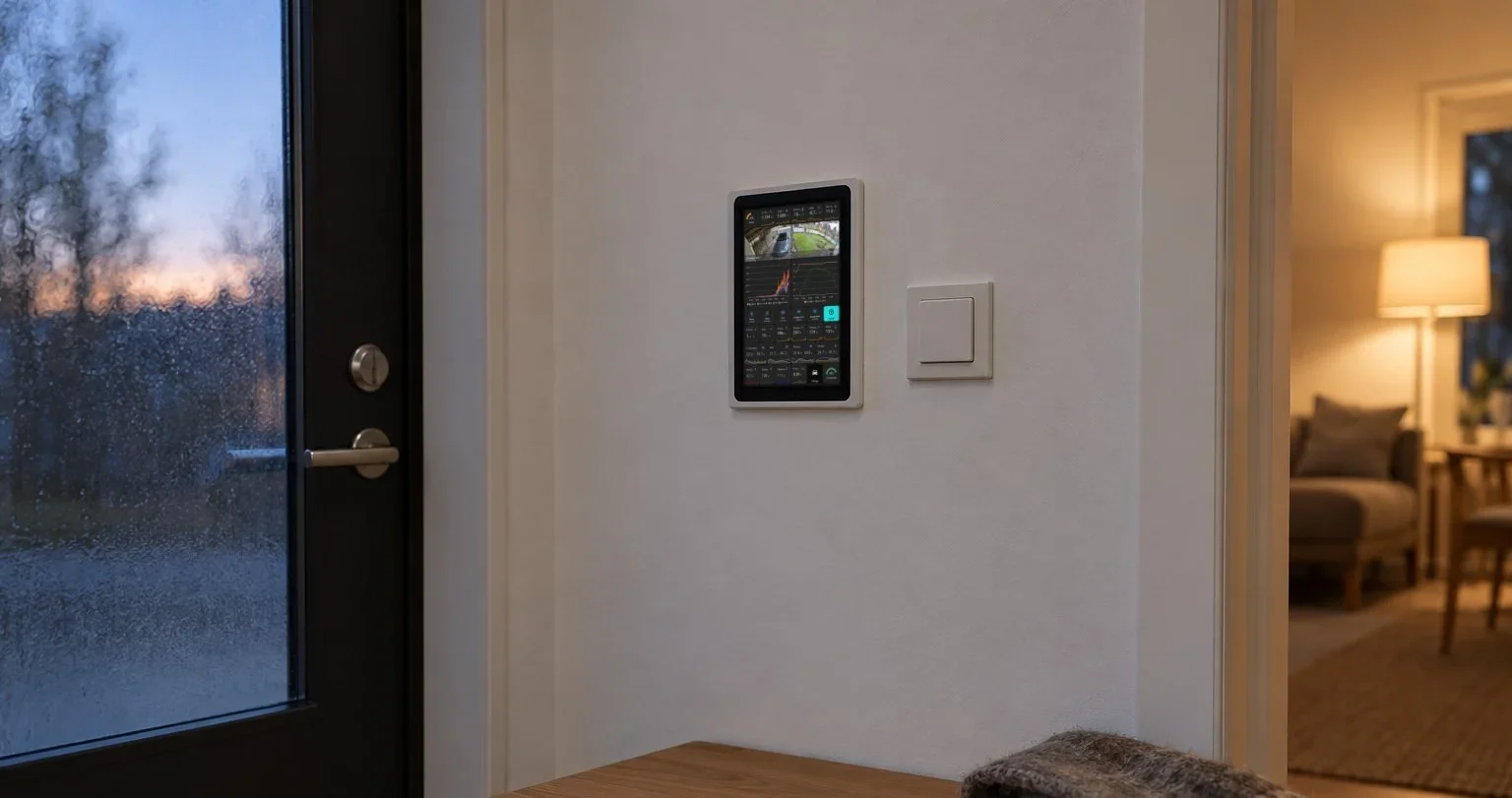
The tracker is made to run all day on a screen that nobody touches.
- Install HAkiosk on an Android tablet from Google Play, or on an iPad or iPhone from the App Store. HAkiosk shows one web page full screen and keeps it there.
- Give it the tracker's address with your coordinates, so the passes over you show from the first minute:
https://www.hakiosk.com/dashboard/iss?lat=40.71&lon=-74.0&place=New%20York - Mount the tablet where you will see it, and plug it in.
Inside HAkiosk the page shows the dashboard alone. On a TV or a laptop, press Full screen at the top. On any other kiosk browser, add kiosk=1 to the address. It fits the screen it is on: a landscape tablet, a portrait tablet or a 1080p TV each get the whole dashboard on one screen, with more passes and the sky chart where there is room.
Already showing a Home Assistant dashboard on your tablet? Add the same address in a Webpage card, and the station sits beside your lights and heating.
How it works
The position is not looked up from a server every few seconds. Your browser works it out itself, every second, from the station's latest orbital elements published by NORAD, with the same model NORAD uses for them. That is what lets the dashboard draw the path ahead and find ten days of passes in a fraction of a second. We checked its predictions against Heavens-Above, the reference site for satellite sightings, and the passes match to the minute.
The crew comes from an open dataset of who is in space, and the map from OpenStreetMap and CARTO.
Open the ISS Tracker. It is free, with no sign-up. If you put it on a wall, we would love to see a photo.